Section 11: Utilities
168
Checking the Memory Used
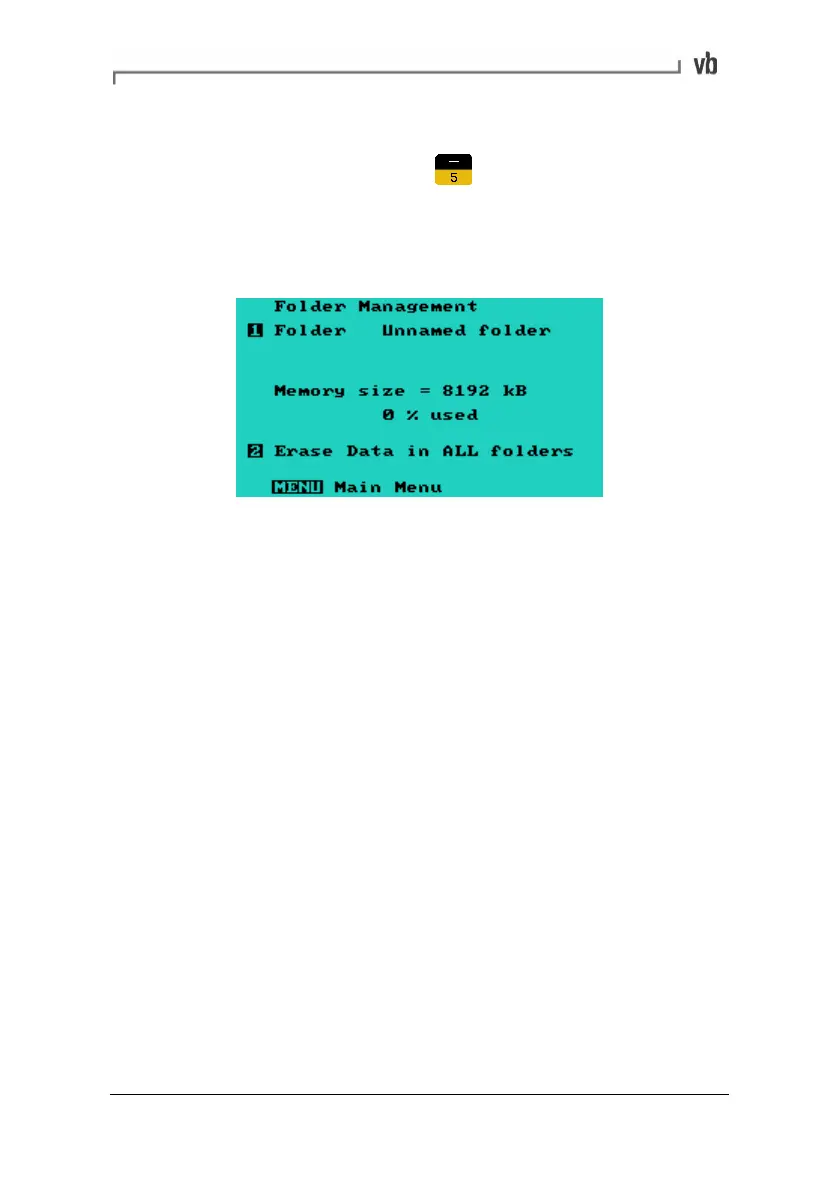
• From the Main Menu, press to access the Folder
Management Menu.
The percentage of memory used is displayed in the middle of the
screen.
Note: If more than 98% of the memory is used, you will need to
erase some recordings before further recordings can be taken.
Erasing all Recordings
Warning: This procedure permanently erases all the recordings in
all folders. This cannot be undone.
To erase individual recordings see Erasing Recordings (page
85).
Erasing all recordings removes each machine's recordings
permanently from memory but retain the machines, points, directions
and parameter sets.
Artisan Technology Group - Quality Instrumentation ... Guaranteed | (888) 88-SOURCE | www.artisantg.com



 To Next Page