Section 2: Basic Operation
12
Powering Up
• Press the key to power up the instrument or turn it off.
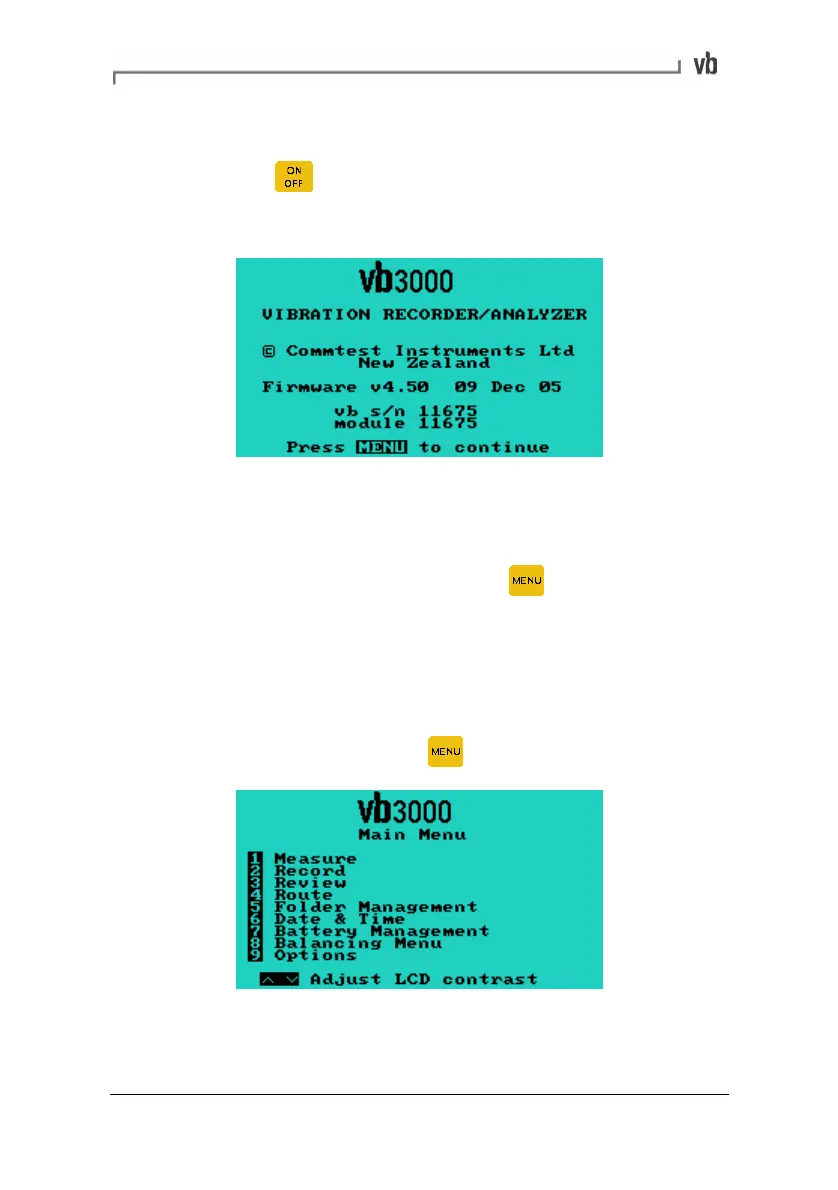
The following screen is displayed at power up.
The displayed firmware version and creation date will reflect the
currently installed firmware in your instrument. Updated firmware
versions can be downloaded from www.commtest.com.
• To continue to the Main Menu press
Main Menu
The Main Menu provides access to the instrument's main operational
tasks.
• To access this menu press
twice (from most screens).
Artisan Technology Group - Quality Instrumentation ... Guaranteed | (888) 88-SOURCE | www.artisantg.com



 To Next Page