Section 3: Onsite Analysis - Measurement Menu
54
Storing Measurements
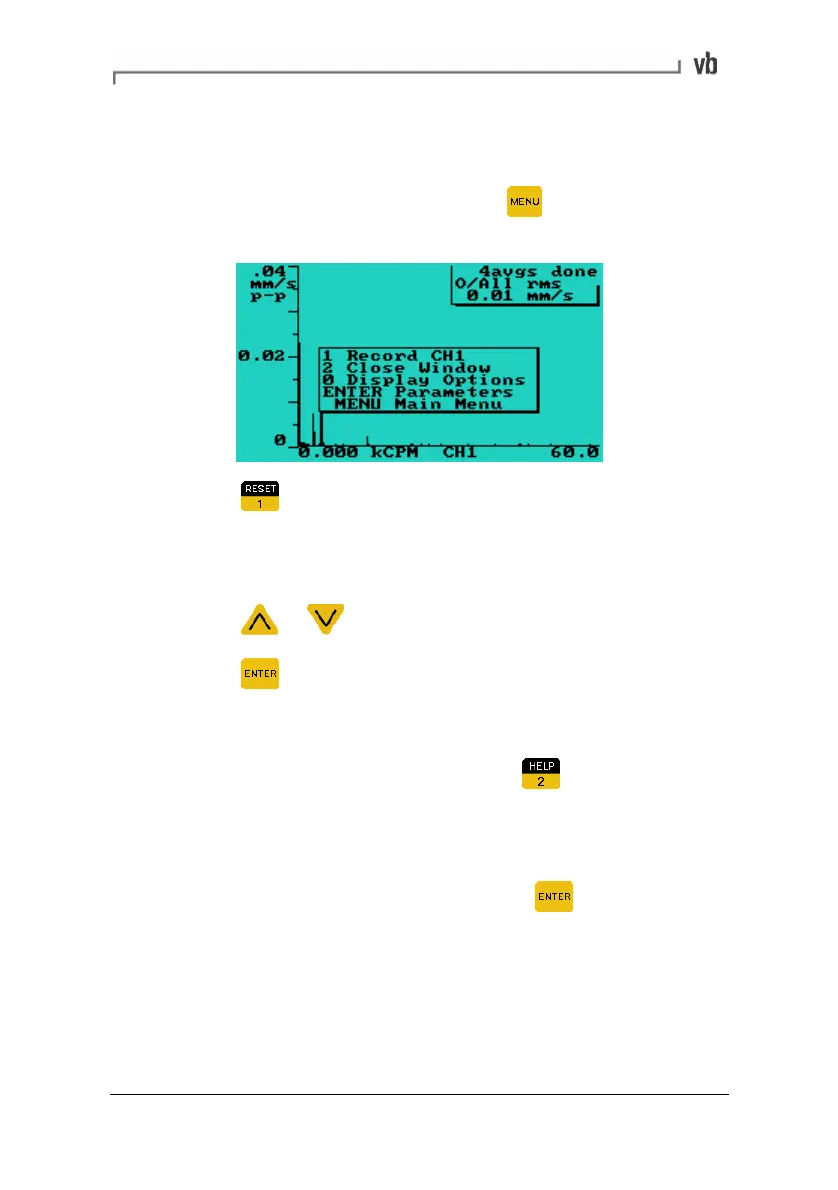
• After taking a measurement, with the spectrum, waveform or
tachometer reading displayed press
to open a pop-up
window containing the Record option.
• Press to record the measurement. You will then need to
either select a machine, point and direction to save the
measurement to or create these now.
Selecting an existing machine, point and direction
• Press
or to highlight a machine.
• Press
to select it and display the next menu. Repeat this
process for the point and direction.
Creating a machine, point and direction
• Highlight a '-new-' machine and press
to display the Edit
Name Menu. See Entering Text and Numbers (page
16), for
details of how to enter names for your machines, points and
directions.
• When you have entered a name, press
twice to save
the name and display the next menu. Repeat this process for
the point and direction.
Artisan Technology Group - Quality Instrumentation ... Guaranteed | (888) 88-SOURCE | www.artisantg.com



 To Next Page