Section 2: Basic Operation
14
Returning to a Previous Screen
• From most menus, press + to return to the previous
screen.
Pressing the
key will also normally return you to the previous
screen (or the Main Menu depending on your current location).
Selecting an Option
• Press the numbered key that corresponds to the option you
want.
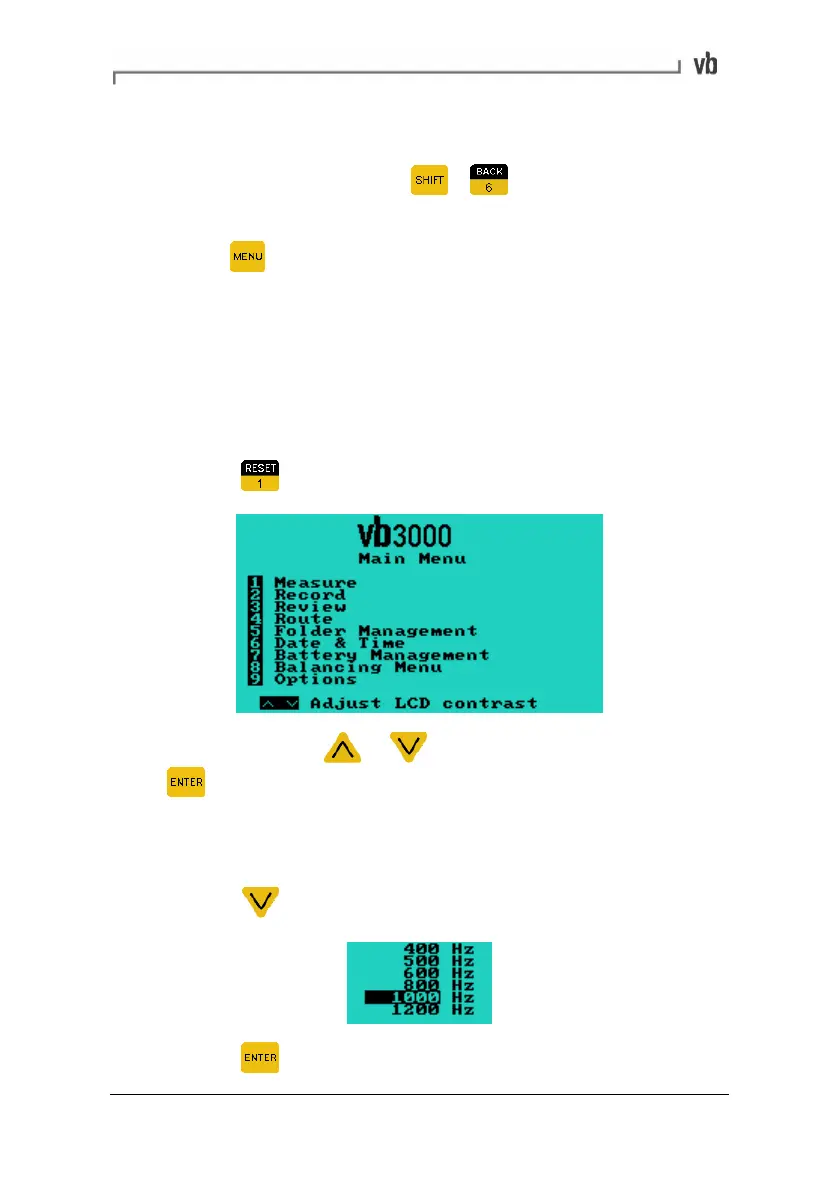
Example:
• Press
to select the Measure option from the Main Menu.
You may need to press or to highlight an option and then
press
to select the option.
Example:
To select a frequency maximum of 1000 Hz:
• Press
to scroll down and highlight this option.
• Press to select this option.
Artisan Technology Group - Quality Instrumentation ... Guaranteed | (888) 88-SOURCE | www.artisantg.com



 To Next Page