Section 3: Onsite Analysis - Measurement Menu
45
Recommendations
1. Determine the exact frequency of interest by using spectra to
identify high amplitude peaks at specific frequencies.
2. Position the channel 1 sensor in a location which has high
vibration at this frequency. Do not move this sensor once
testing has started.
3. Try out different locations with the channel 2 sensor, noting
the phase and amplitude relationships compared to the fixed
channel 1 position.
4. Repeat steps 2 and 3 at any other locations of interest.
Taking a measurement
• Connect the two sensors to the appropriate machine
locations.
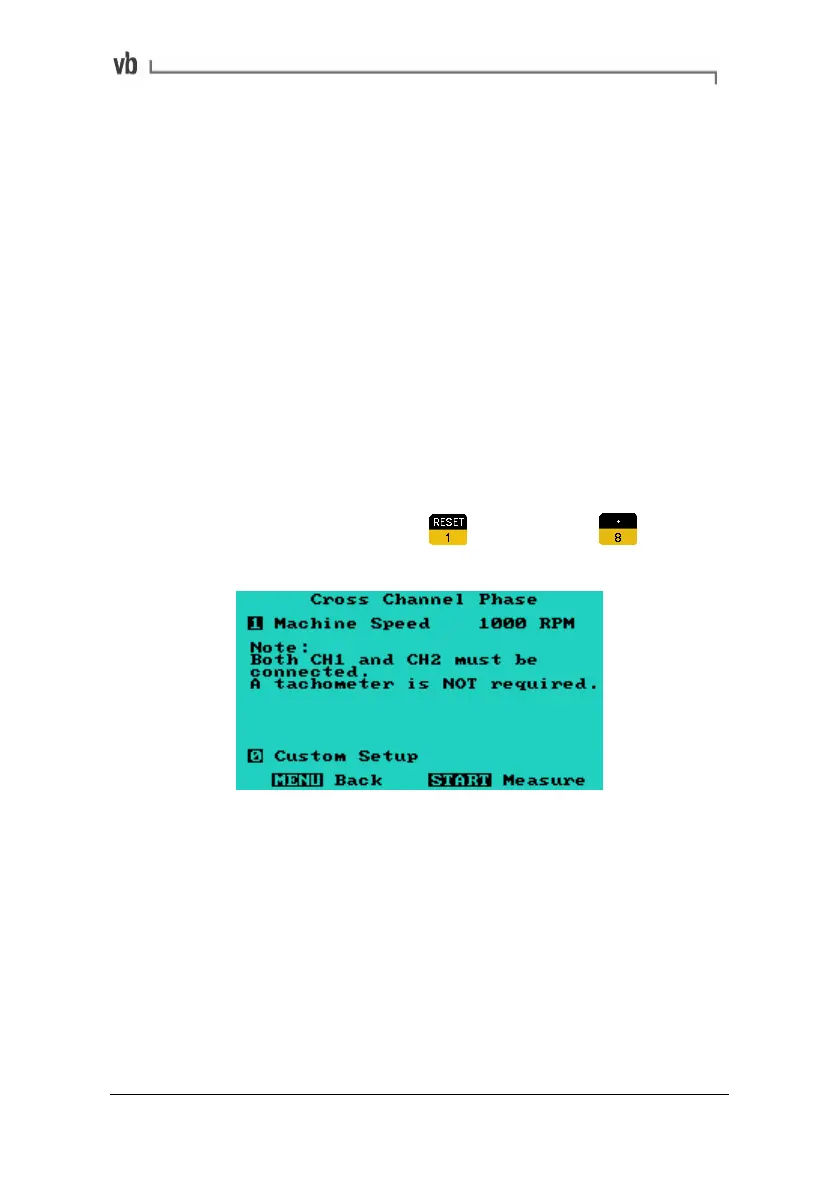
• From the Main Menu press
Measure then to
display the Cross Channel Phase Menu.
Artisan Technology Group - Quality Instrumentation ... Guaranteed | (888) 88-SOURCE | www.artisantg.com



 To Next Page