1.5 Notation
3
•
•
•
•
•
•
1.5 Notation
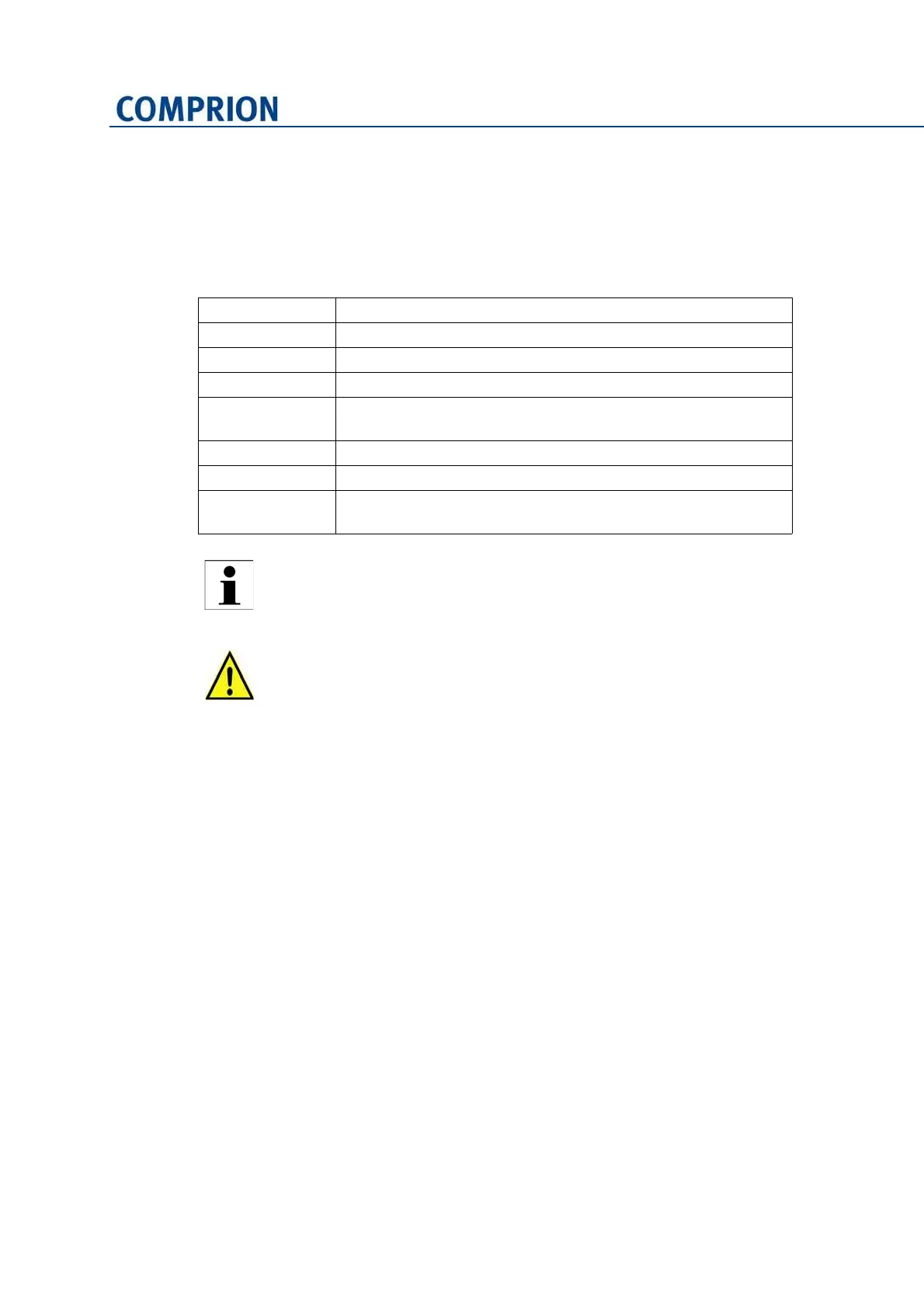
The formal structure of the present manual is the same in all chapters. The following con‐
ventions are used for representation.
1.6 Contacting COMPRION
In case of problems which cannot be resolved with the help of this manual, or if you
require additional information, please contact the following address:
COMPRION GmbH
Lise‐Meitner‐Str. 3
33104 Paderborn
Germany
Email: support@comprion.com
Visit our website: www.comprion.com
► The blue arrow prompts you to do something.
Menu > Option Menu items and menu options are shown in italics and bold.
B
UTTON Buttons are represented in small caps.
Window Names of dialog windows are shown in bold.
'Name' Window elements (text fields, option fields, check boxes, etc.)
are shown in apostrophes.
[F1] Key names are shown inside brackets.
Path\to\file Paths and file names are shown in Courier font.
References Cross‐references to other chapters or paragraphs are indicated
by an arrow and blue font.
Denotes important and useful information concerning handling, teaching,
operation and maintenance.
Failure to comply with indicated matters may lead to physical injury and/or
mechanical damage.


 To Next Page