3.6 TraceCase Web Interface
31
•
•
•
•
•
•
3.6.3 Status Bar
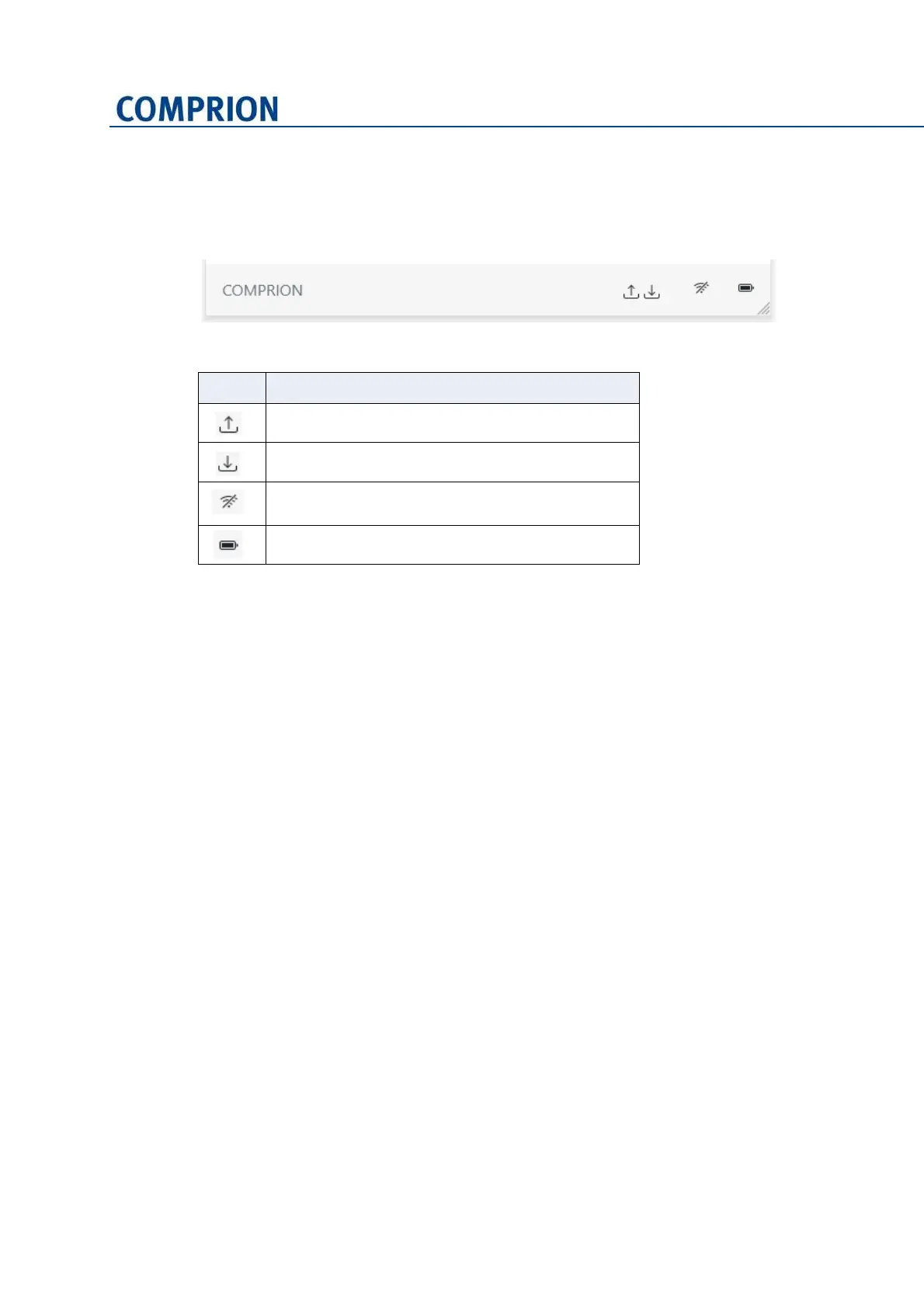
The following icons may appear on the status bar:
Figure 3-25 Status bar
Icon Meaning
A file is uploaded to the TraceCase device.
A file is downloaded from the TraceCase device.
The TraceCase Web Interface is not connected to
the TraceCase device.
Indicates the battery level of the TraceCase device.


 To Next Page