3.3 TraceCase Fit
23
•
•
•
•
•
•
► Go to the Wi‐Fi settings of your smartphone and connect to the Wi‐Fi network of
TraceCase Fit.
► Start the TraceCase App on your smartphone.
► If the TraceCase Fit status is ‘Ready’, then tap the START TRACING button on your
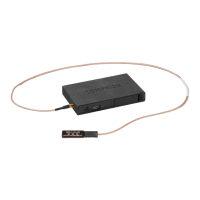
smartphone and place the antenna on the NFC device.
► Tap STOP (TRACING) on your smartphone to end the monitoring session. The data
is transferred from the TraceCase Fit hardware to the smartphone.
► To save battery power, push the TraceCase Fit button for more than 5 s to switch it
off.
► On the smartphone, enter the session details into the screen that is automatically
displayed afterwards.
► On TraceCase Home, tap SAVED SESSIONS and select the desired session.
► Share the session data.
The antenna of TraceCase Fit is located at the same position as the antenna
of the used smartphone.
For detailed information regarding the trace configuration and editing of ses‐
sion details, refer to
[TraceCase App].


 To Next Page