3.6 TraceCase Web Interface
29
•
•
•
•
•
•
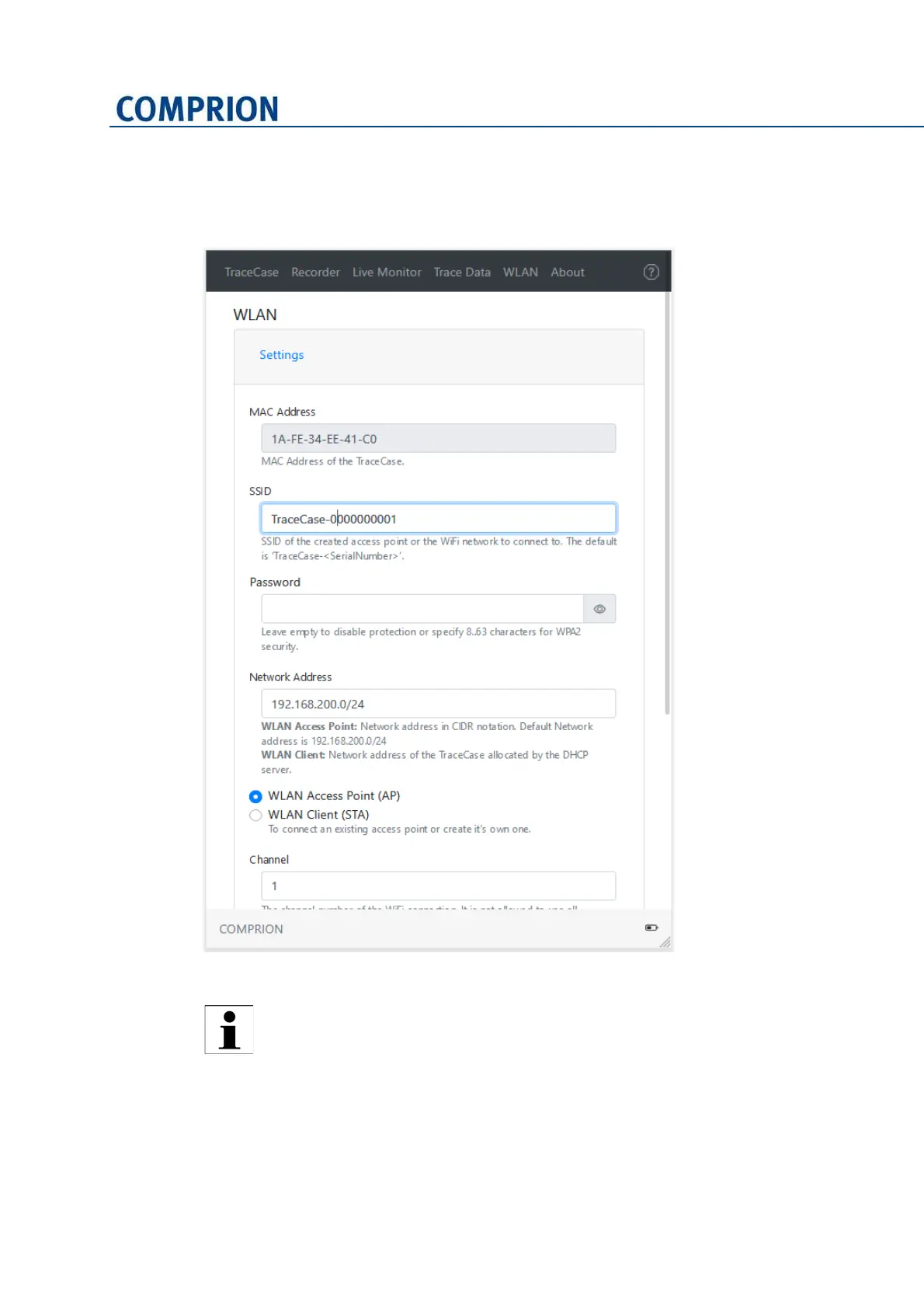
You find the settings for the WLAN connection, including the MAC address, on the
WLAN page:
Figure 3-22 WLAN page
If the TraceCase device is no longer accessible due to incorrect settings, you
can reset it to access point mode (IP 192.168.200.1) by pressing the button at
the device for at least 30 seconds.


 To Next Page