2-7
Chapter 2: Product Overview
LED Status Indicator
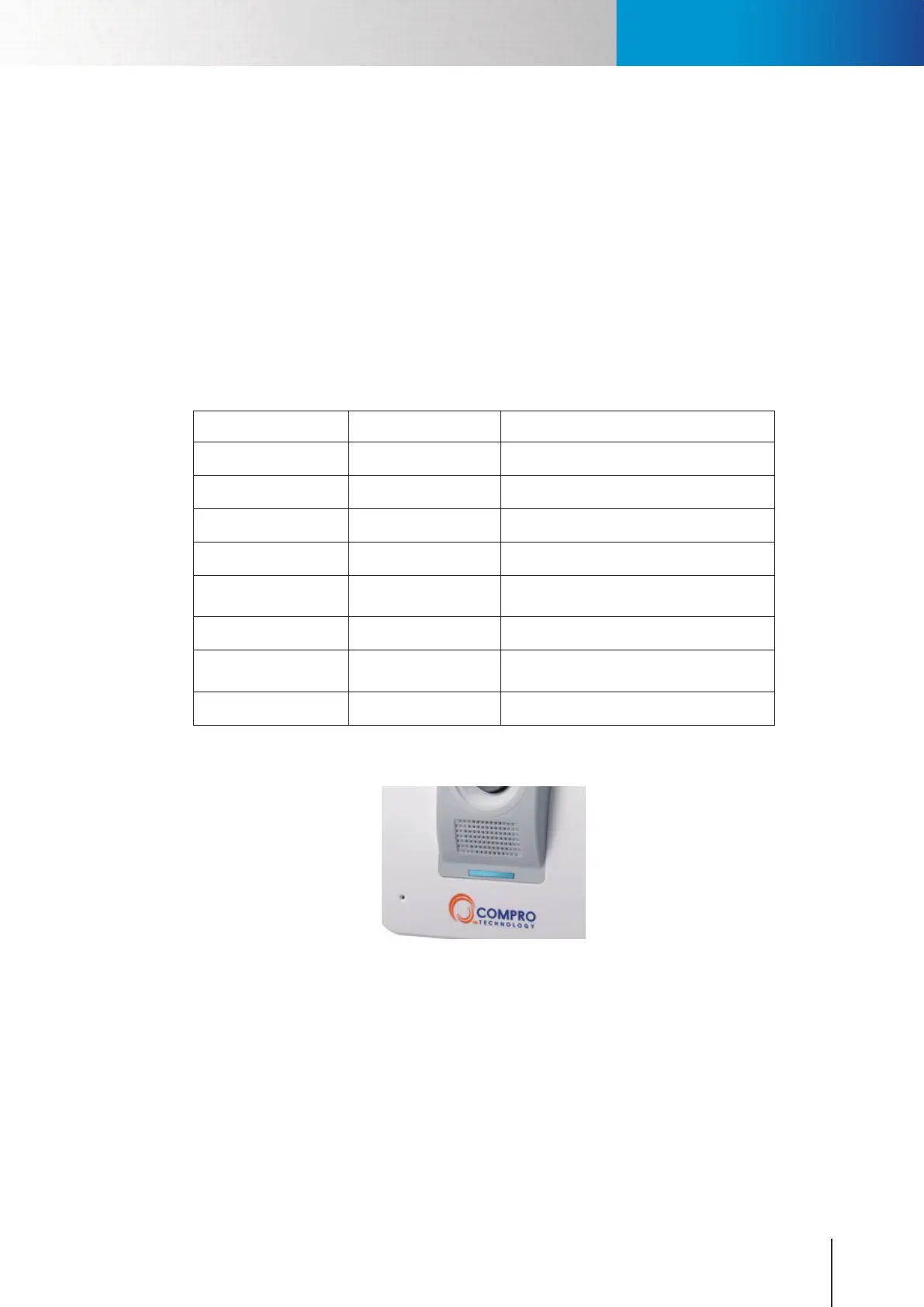
When you power on the camera, it will start booting procedure. There are one blue LED and one red LED
inside the camera case. Depending on the booting status, the LED indicator will be lit in the followings way:
1. About 25 seconds after powering on the IP camera, both the blue LED and red LED indicator will
become lit (appears purple).
2. About 35 seconds after powering on the IP camera, the red LED will be turned o.
3. Cameratryingtoconnecttonetwork:bothblue&redLEDashingatanintervalof0.5second.
4. Camera established connection: blue LED constantly on (Red LED o)
5. Camerafailedtoconnect:ashingredLED.(BlueLEDo )
Red LED Blue LED Indication
On On System booting up
O On Successfully established network connection
On O Performing hardware test
O O Powered o
Blinking (every 0.5 sec.) O
Failed to connect to network / failed to
establish a WPS connection
O Blinking (every 0.5 sec.) Attempting to establish a WPS connection
O
Blinking (every 0.2 sec.
in a 3-second period)
Successfully established a WPS connection
Blinking (every 0.5 sec.) Blinking Attempting to establish network connection
Table 2-1. LED status
Figure 2-5. Normal connection
LED Status Indicator



 To Next Page