6-1Main Setup Page
Chapter 6: Conguration
Chapter 6: Configuration
Main Setup Page
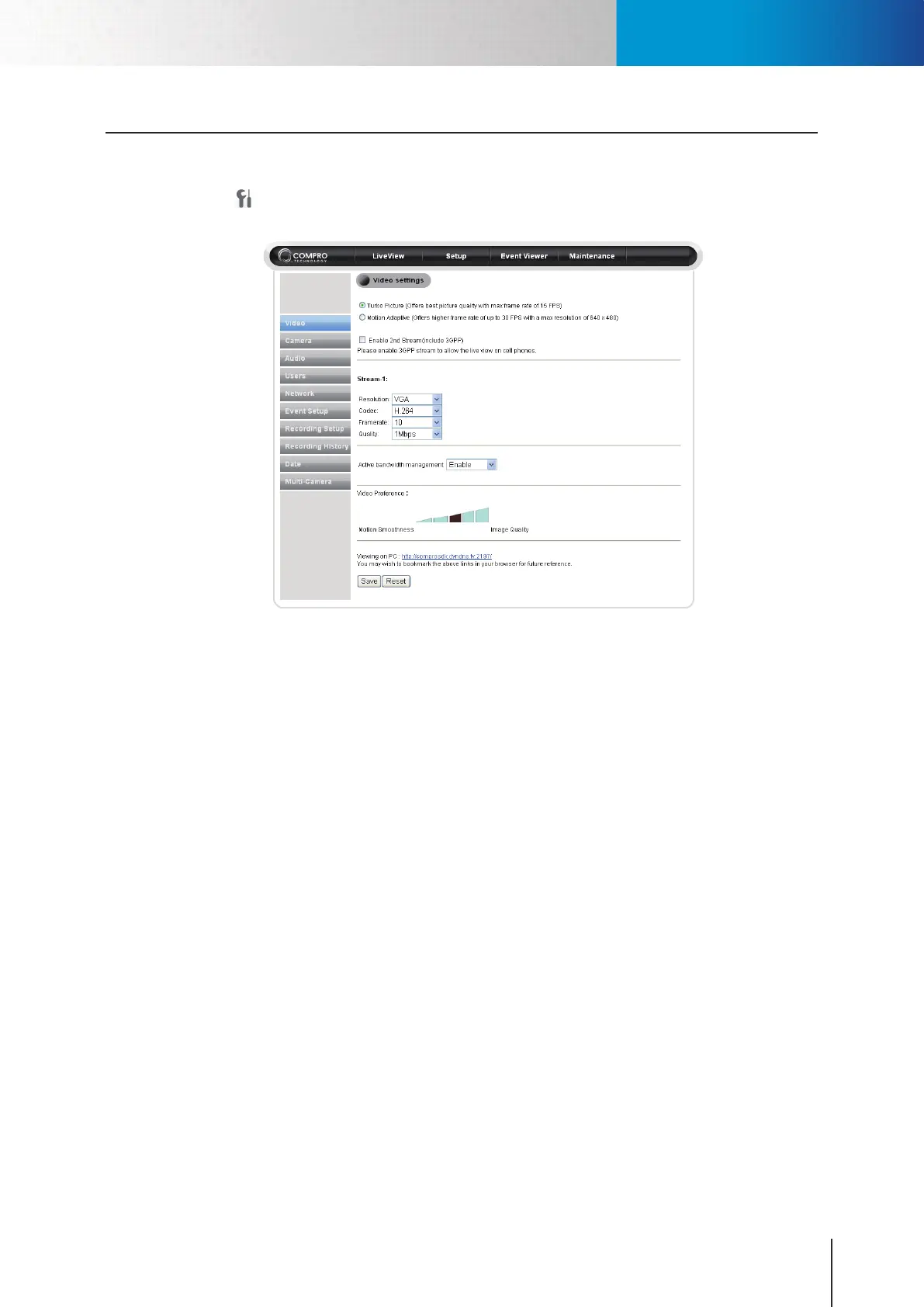
The main setup screen consists of all the basic settings options. To access the main setup page, click on the
Setup button seen at the top-right location in the live view screen. Then the setup page as shown in the
picture below will be displayed. You can congure the detailed settings of your IP camera here.
Figure 6-1. Main setup page
You also can go back to live view screen by choosing LiveView from the top menu. The top menu also allows
you to go to the Event Viewer and Maintenance of the camera. The main setup menu on the left contains
several parts.



 To Next Page