3-6
Compro IP55 / 60 / 70 Network Camera
Installing Camera Software
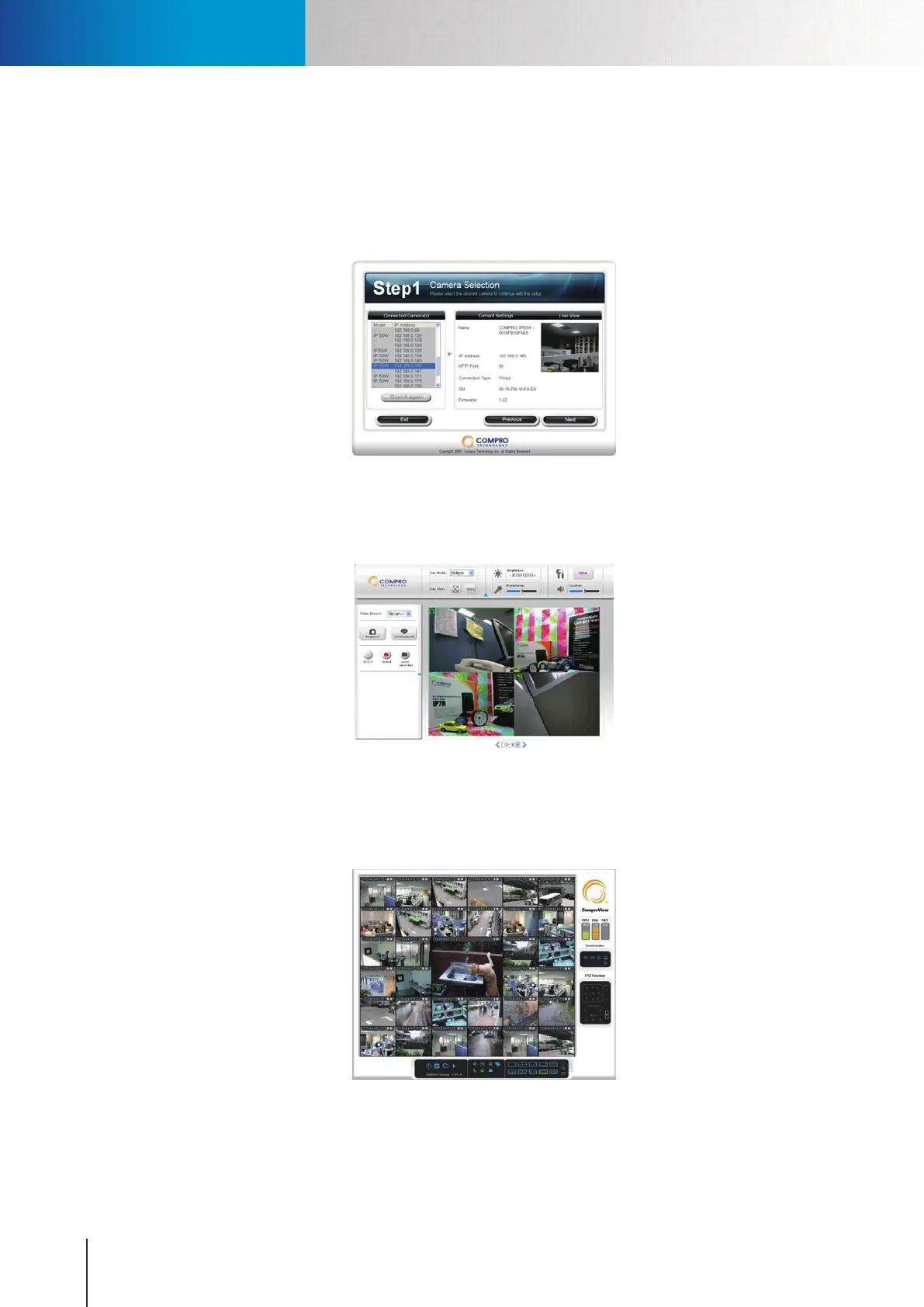
The software for your camera includes 3 major parts which help you use the IP camera:
1. iWizard Installer and iWizard utility: For quick and convenient setup of your IP camera software/
hardware in steps. Having installed the iWizard, double-click on the iWizard icon on your desktop and
it will start to search the available cameras on your network.
Figure 3-6. iWizard
2. 16-CH WebVUer: This provides Live View and controls via Internet Explorer (ActiveX). The WebVUer
also supports multi-channel management, allowing you to monitor up to16 cameras simultaneously.
Figure 3-7. 16-CH WebVUer
3. ComproView: A professional PC-based surveillance software that supports up to 32 simultaneously
channels and real-time recording, playback, event alerting and more.
Figure 3-8. 32-CH ComproView
Installing Camera Software



 To Next Page