5-3
Chapter 5: Live View
Enable Digital Zoom
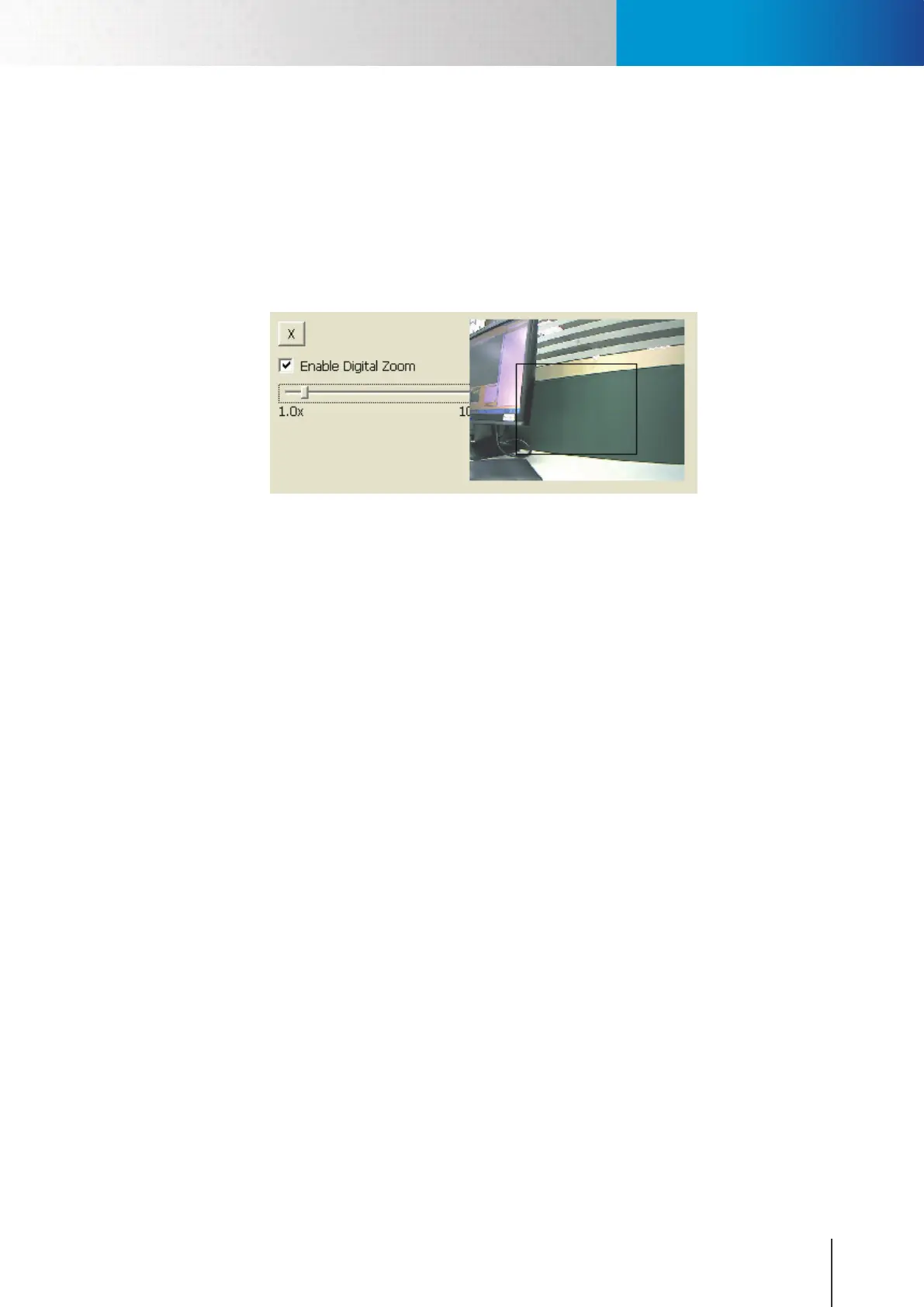
To enable the digital zoom feature:
1. Click on the magnier icon located on the lower-left corner of real-time video display, and then the
digital zoom control window will pop up.
2. Check [Enable Digital Zoom] option and set desired zoom ratio by dragging the adjustment bar. Then
set the area to be enlarged by dragging the black square shown on preview window. Click on the [X]
button shown above or press [Esc] key to save the changes and/or close the preview window
Figure 5-2. Digital zoom window
Enable Digital Zoom



 To Next Page