4-8
Compro IP55 / 60 / 70 Network Camera
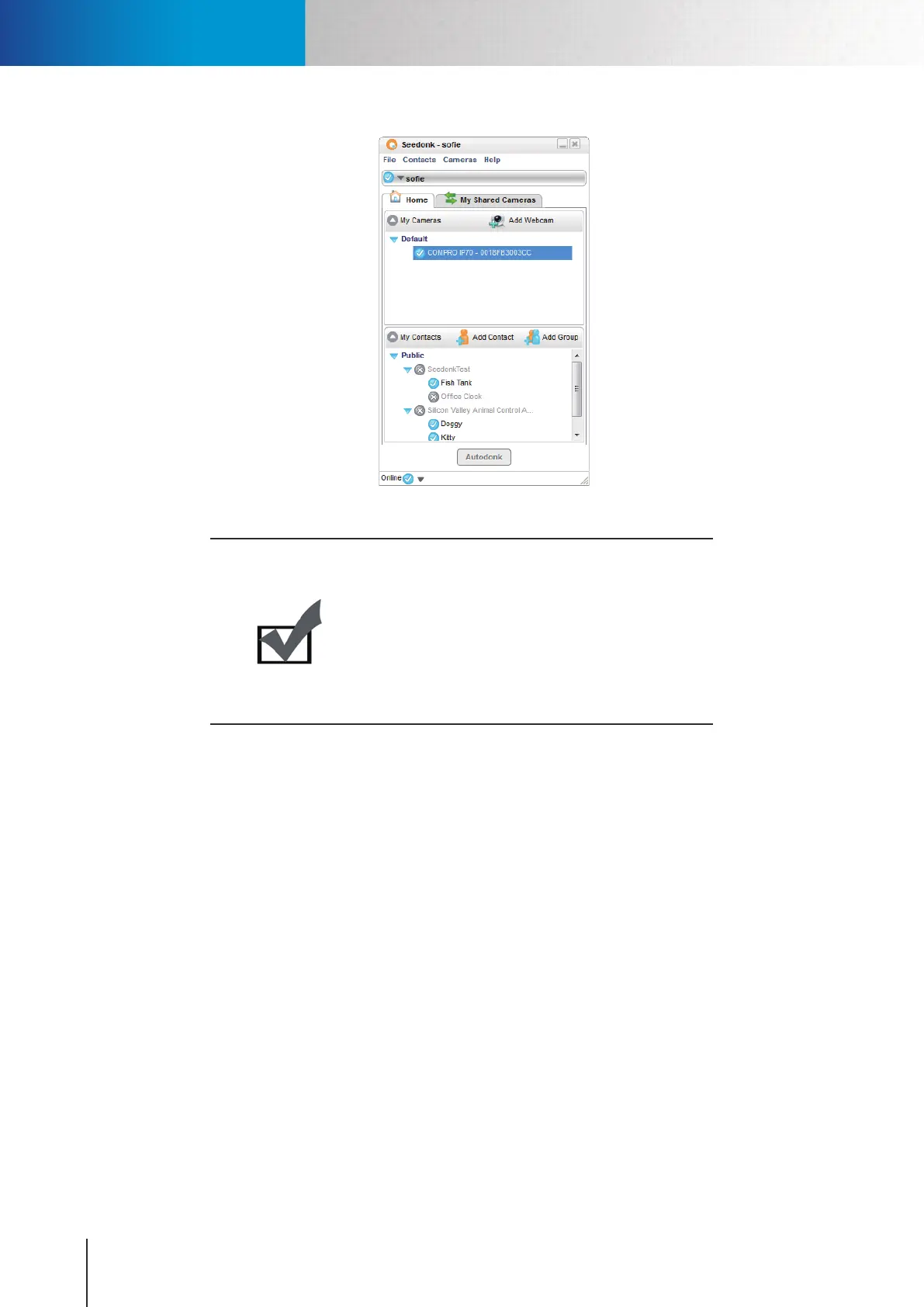
Figure 4-9. Seedonk IM
Note:
When your camera is installed in an indoor environment,
live image of your network camera may appear darker
than expected due to insufficient environmental
lighting. When this happens, simply move your camera
to a dierent location where lighting condition is better
or turn on the back light compensation if there are
lights shining behind the objects in the scene.
Accessing via Seedonk IM Client



 To Next Page