UNPACKING THE
BOXES
Thermolator TW Series UGH025-0504
3-2 INSTALLATION
Carefully remove the Thermolator and
components from their shipping containers.
Remove all packing material, protective
paper, tape and plastic. Check inside the electrical enclo-
sure and behind the side panels for accessories or hard-
ware that may have been placed there for shipping.
Carefully inspect all components to make sure
no damage occurred during shipping, and that you have
all the necessary hardware. If damage is found, notify the
freight company immediately.
Take a moment to record serial numbers and
specifications in the blanks provided on the back of the
User Guide’s title page. The information will be helpful if
you ever need service or parts.
You are now ready to begin installation.
Complete the preparation steps on the next page.
Thermolator
1
2
3
4
5
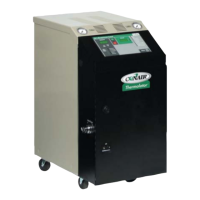
Thermolator TW models come fully assembled. If they were
specified at the time of the order, the purge valve or motor-
ized cooling valve is factory-installed.


 To Next Page
 Loading...