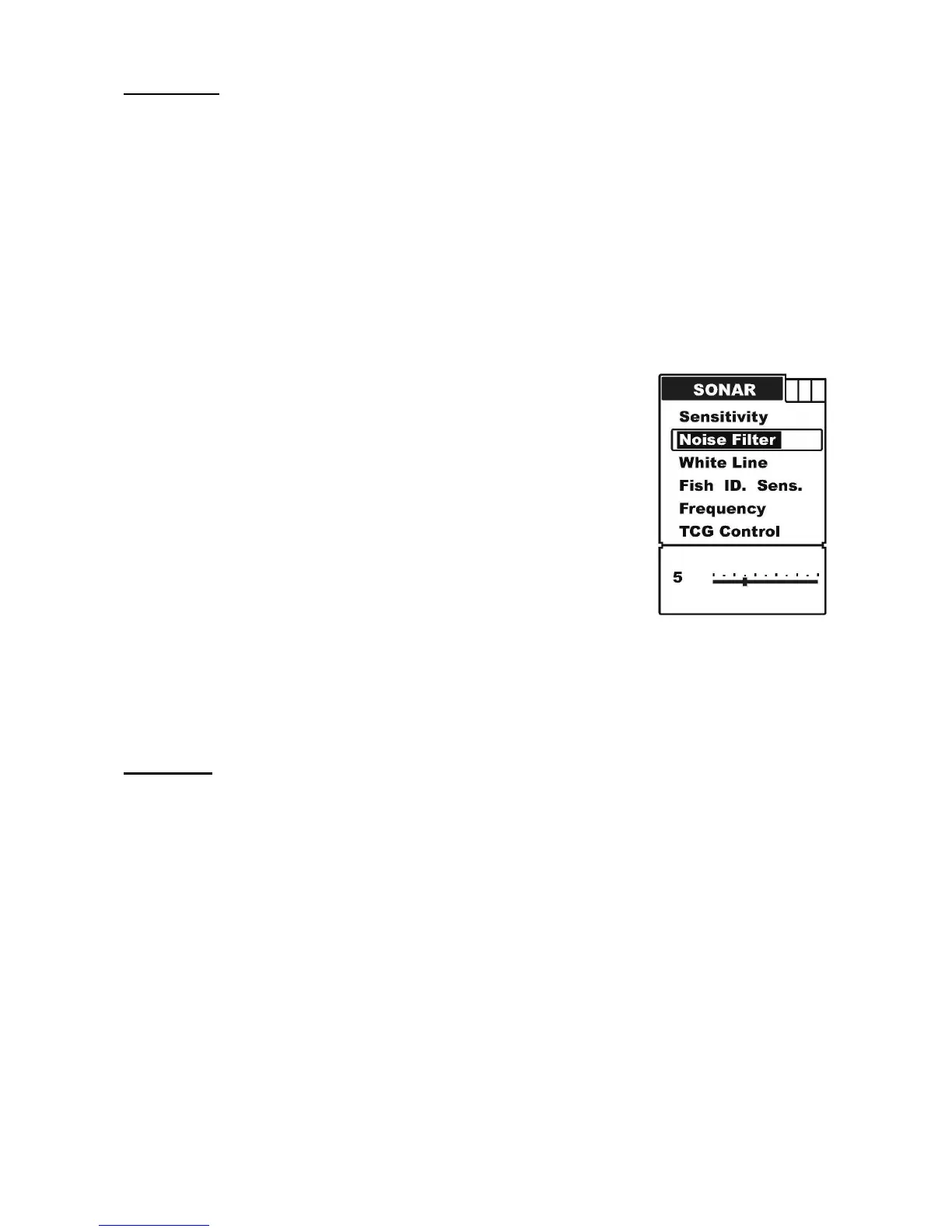
Noise Filter
In many situations, your Fishfinder display will be effected by undesired signal which
maybe caused by your boat engine, turbulence, wiring, or other electrical and mechanical
sources. Such undesired signal will produce unwanted mark on the screen, which may
cause a misunderstanding of the underwater condition.
The higher the noise level is, the bigger the value should be. However when the water is
deep enough, the high value setting may greatly affect or even hinder your Fishfinder’s
performance to find the bottom. So, in some situations while you have big trouble with
noise, try finding and fix the interference source, rather than operating your Fishfinder with
a very value. The available setting value of noise reject is 0 ~15.
To set the Noise Filter:
a) Press MENU to enter into menu setting.
b) Repeatedly press MENU to switch to Sonar menu.
c) Use the Up / Down Arrow to select Noise Filter option.
d) Press ENT to enter into setting.
c) Use the Up / Down Arrow to increase / decrease the value.
f) Press ENT to confirm and exit the setting.
White Line
White Line is used to let you see both the strong and the weak signals on the display.
If the White Line is “on”, weak returns will be shown with dark pixels while strong returns
with lighter pixels. This is very helpful to ensure that weak signals will be clearly visible on
the display.
If the White Line is “off”, strong returns will be shown with dark pixels while weak returns
with lighter pixels. This is very helpful to ensure that strong signals will be clearly visible on
the display.
To set the White Line:
a) Press MENU to enter into menu setting.


 To Next Page