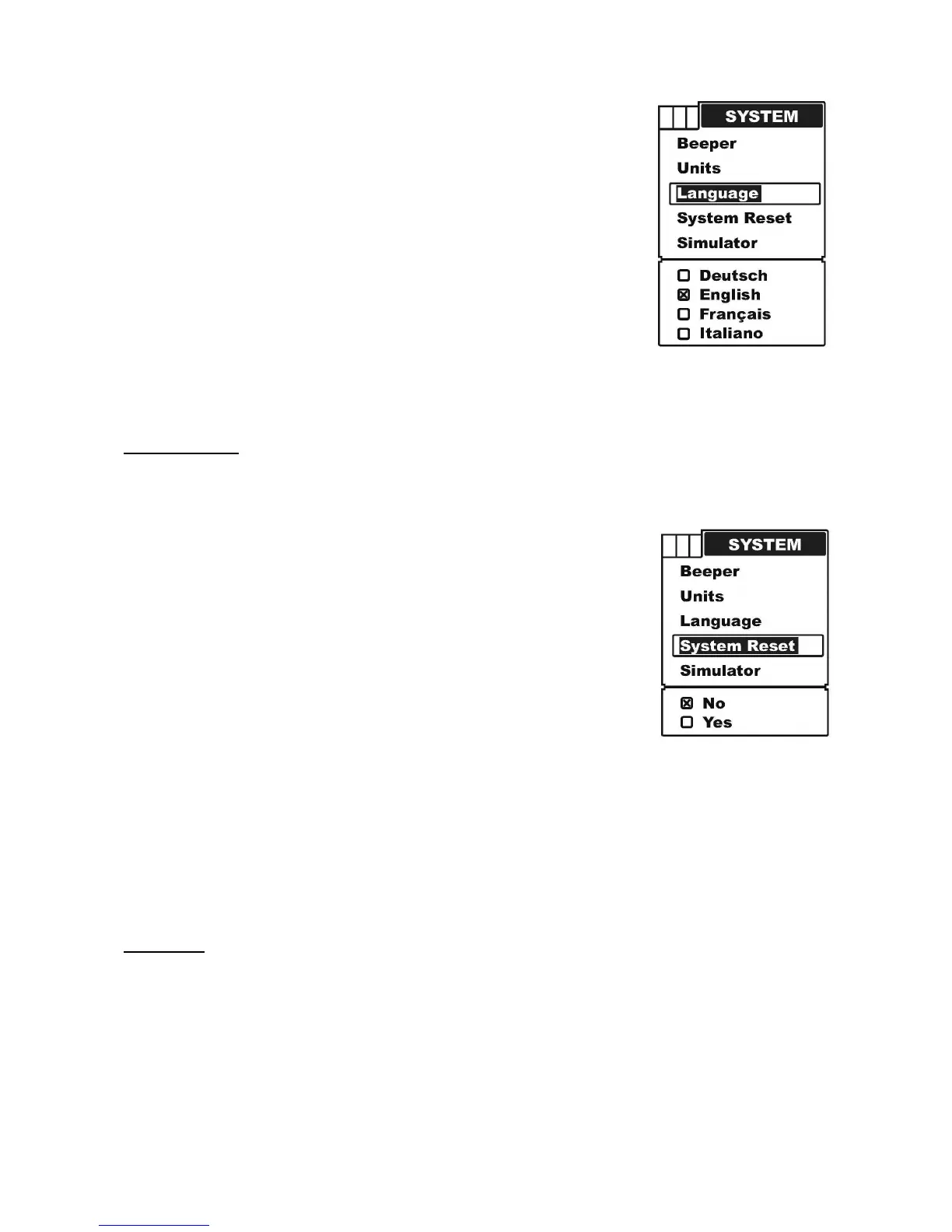
a) Press MENU to enter into menu setting,
b) Repeatedly press MENU to switch to System menu.
c) Use the Up / Down Arrow to select Language option.
d) Press ENT to enter into setting.
e) Use the Up / Down Arrow to select the option.
f) Press ENT to confirm and exit the setting.
g) Press PWR/CLEAR to exit.
System Reset
System Reset is used to restore to the factory settings.
To set the Language:
a) Press MENU to enter into menu setting,
b) Repeatedly press MENU to switch to System menu.
c) Use the Up / Down Arrow to select System Reset option.
d) Press ENT to enter into setting.
e) Use the Up / Down Arrow to select the option.
f) Press ENT to confirm and exit the setting.
g) Press PWR/CLEAR to exit.
Simulator
Simulating is used to let you practicing using the Fishfinder as if you were on the water.
Under the simulating mode, the simulated bottom signal with fish signals will display and
move across the screen, and under the simulating mode, you still could change settings to
view different sonar image to have a complete understanding of your Fishfinder.
To set the Simulator:


 To Next Page