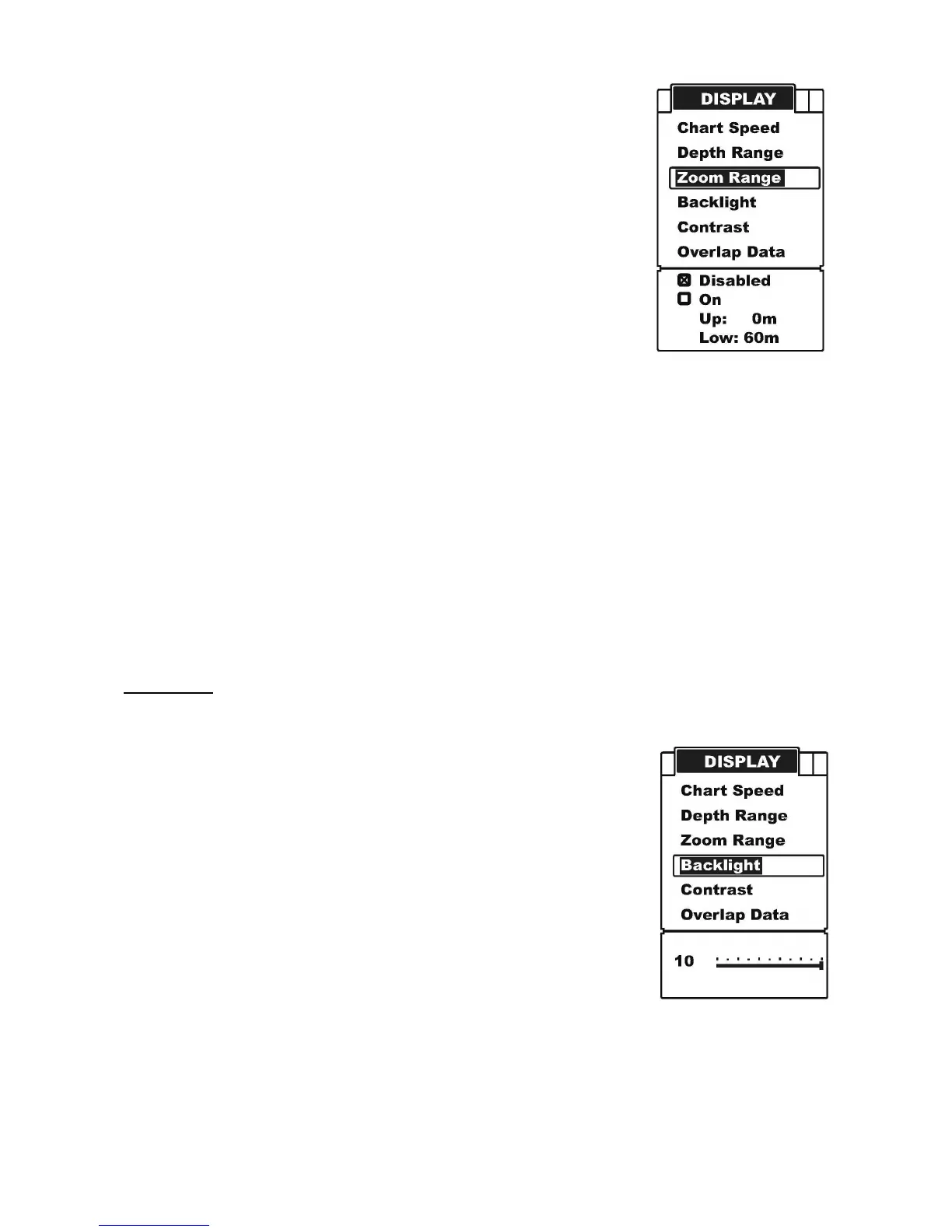
b) Repeatedly press MENU to switch to Display menu.
c) Use the Up / Down Arrow to select Zoom Range option.
d) Press ENT to enter into setting.
e) Use the Up / Down Arrow to increase / decrease the value.
f) Press ENT to confirm and exit the setting.
Note: after select the “on” option:
1) press ENT to switch to the “Up” or “Low” Range.
2) Press Up / Down Arrow to change the value.
3) Press ENT to confirm the setting.
4) Press PWR / CLEAR to exit the setting.
Back Light
There are 10 levels for you to adjust the brightness of backlight.
To set the Back Light:
a) Press MENU to enter into menu setting,
b) Repeatedly press MENU to switch to Display menu.
c) Use the Up / Down Arrow to select Backlight option.
d) Press ENT to enter into setting.
e) Use the Up / Down Arrow to increase / decrease the value.
f) Press ENT to confirm and exit the setting.


 To Next Page