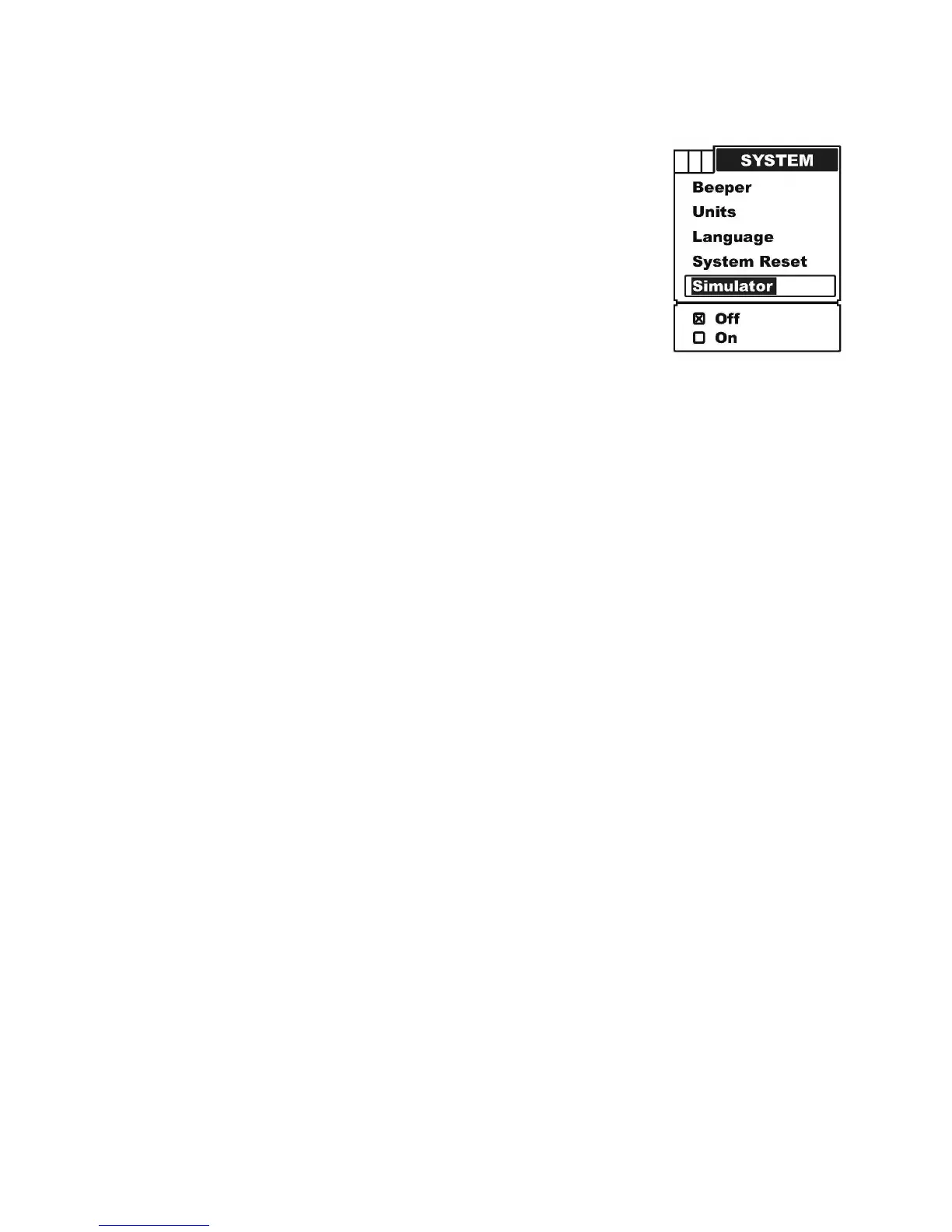
a) Press MENU to enter into menu setting,
b) Repeatedly press MENU to switch to System menu.
c) Use the Up / Down Arrow to select Simulator option.
d) Press ENT to enter into setting.
e) Use the Up / Down Arrow to select the option.
f) Press ENT to confirm and exit the setting.
g) Press PWR/CLEAR to exit.
To exit simulator, just enter into the simulator setting and change the option to “off”.


 To Next Page