12
ADDRESS BOOK
CREATING A NEW CONTACT
1. From the home screen, press the Left Soft Key.
2. Select Menu > New contact.
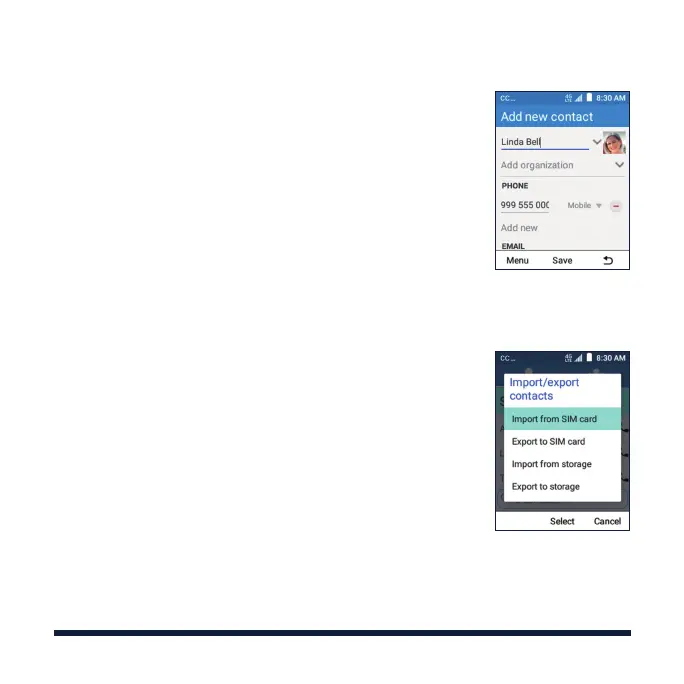
3. Enter the contact name, phone number, email
addresses, and other information, as shown.
4. Select Menu > Save to save the contact.
IMPORTING CONTACTS IN BATCHES
1. From the home screen, press the Left Soft Key.
2. Select Menu > Import/Export > Import from storage.
3. If prompted, choose to import one, multiple, or all
vCard files.



 To Next Page