17
CONNECTIVITY
CONNECTING WITH A
BLUETOOTH
®
HEADSET
Turn on the
Bluetooth
headset and switch it to pairing
mode. Refer to the headset’s user guide for more
information.
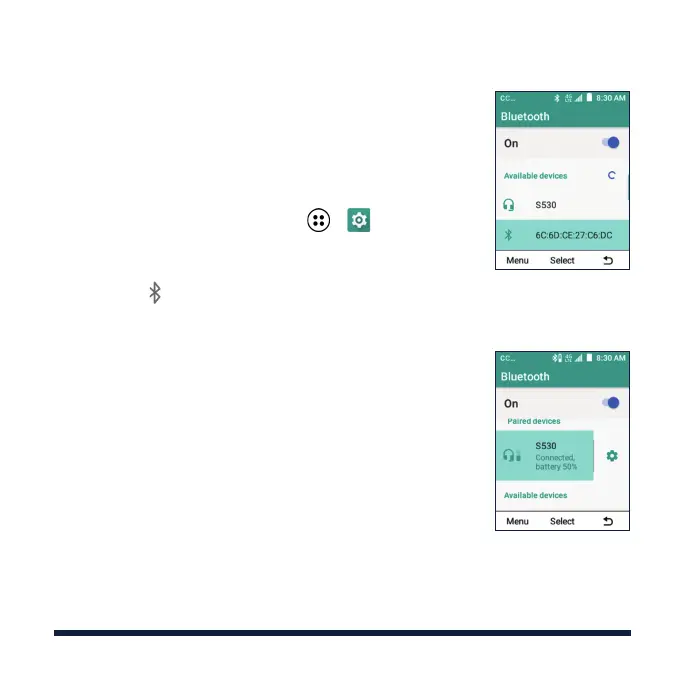
1. From the home screen, select > > Wireless &
networks > Bluetooth.
2. Press the OK Key if
Bluetooth
is o. When
Bluetooth
is on, the icon appears in the status bar.
NOTE: Your phone automatically scans for and
displays the IDs of all available
Bluetooth
devices in
range.
3. Highlight the device you want to pair with and press
the OK Key. Enter a passcode if prompted.
4. If necessary, highlight the ID of the paired headset
and press the OK Key to connect with it.
TIP: Highlight the ID of the connected headset and
press the OK Key to end the connection.



 To Next Page