15
CAMERA AND VIDEO
TAKING A PHOTO
1. From the home screen, press the Camera Key or select > .
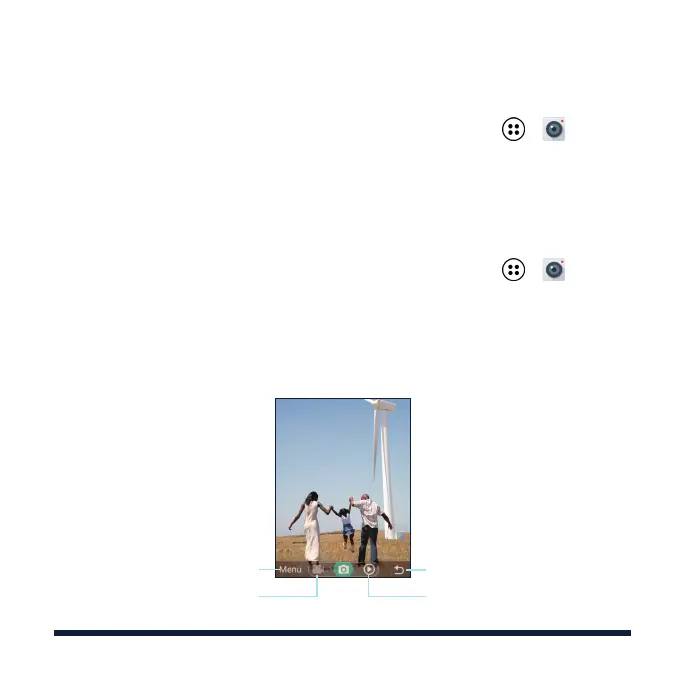
2. Aim the camera at the subject and press the Left Soft Key to adjustment
filter, white balance, brightness, ISO, and camera settings.
3. Press the OK Key or the Camera Key to take a picture.
RECORDING A VIDEO
1. From the home screen, press the Camera Key or select > .
2. Press left on the 4-way Navigation Key to switch to the video recorder.
3. Aim the camera at the subject and make any necessary adjustments.
4. Press the OK Key or the Camera Key to start and stop recording.
Switch to the video recorder
Adjust camera settings and
parameters
Exit the camera
View your photos and videos



 To Next Page