14
CUSTOMIZING THE HOME SCREEN
APPLYING NEW WALLPAPERS
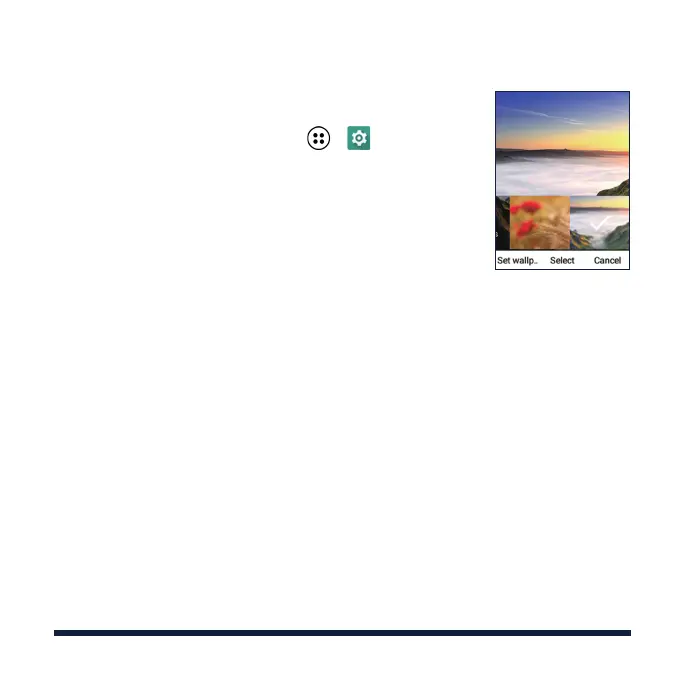
1. From the home screen, select > > Device >
Display > Wallpaper.
2. Select Gallery or Wallpapers.
3. Select the image you need.
For Wallpapers images, use the 4-way Navigation
Key to select and preview the image.
For Gallery images, use the 4-way Navigation Key
and the OK Key to select an album and then an
image. You can select the area you want to use
by panning (using the 4-way Navigation Key) or
zooming (using the Left Soft Key).
4. Select Set wallpaper or Set. If prompted, select
to set the wallpaper for the home screen, the lock
screen, or both.



 To Next Page