Installation 10
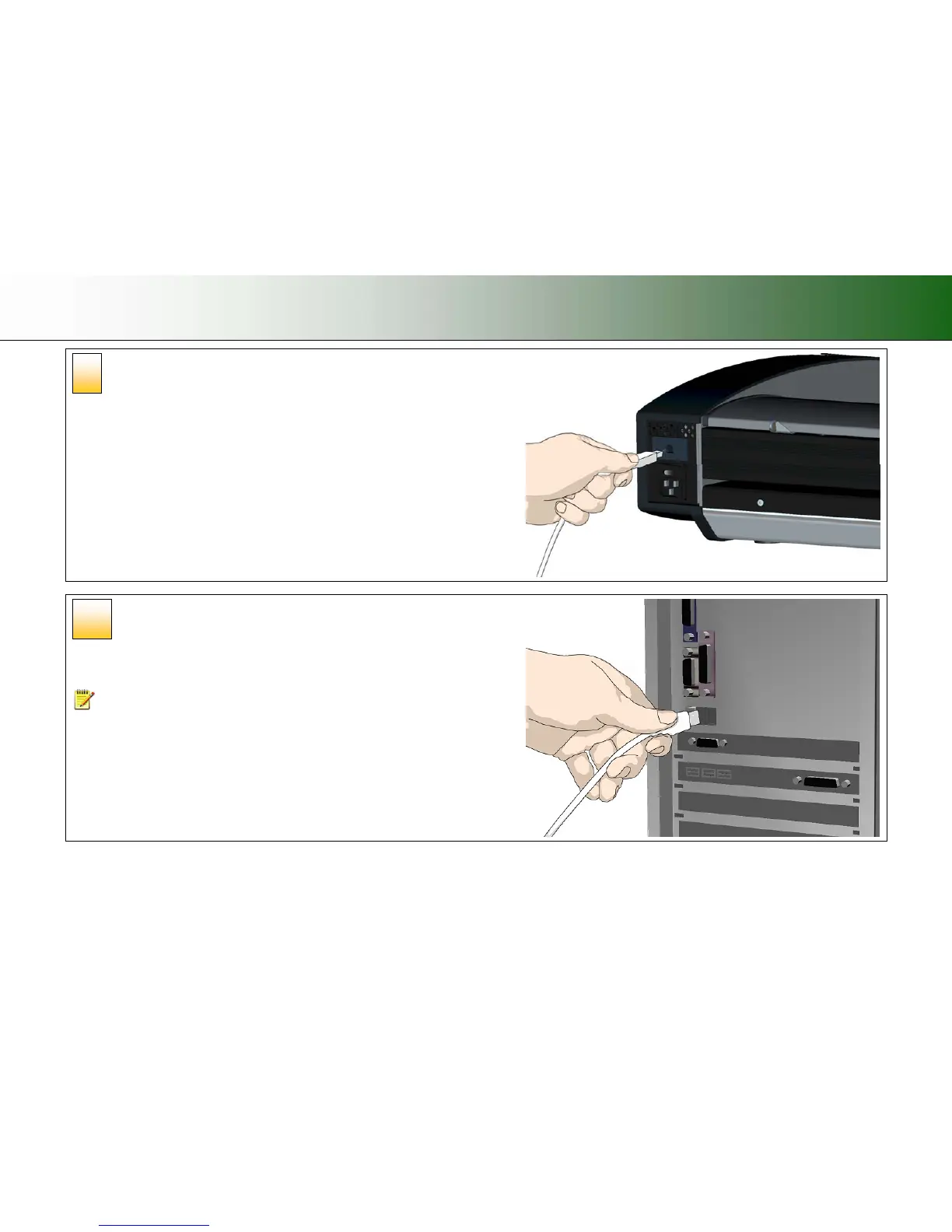
Connect the interface cable to the scanner
Connect the B-connector (square shaped end) to the USB connection socket on your
scanner. The USB connection socket is at the scanner’s back.
Connect the other end of the interface cable to
the PC
Connect the A-connector end (flat end) to a USB port on your computer.
NOTE: It is recommended to use an available USB port on the back of the PC.
Using USB ports on the front can affect performance on some PC models.
10
9













 To Next Page