Installation 11
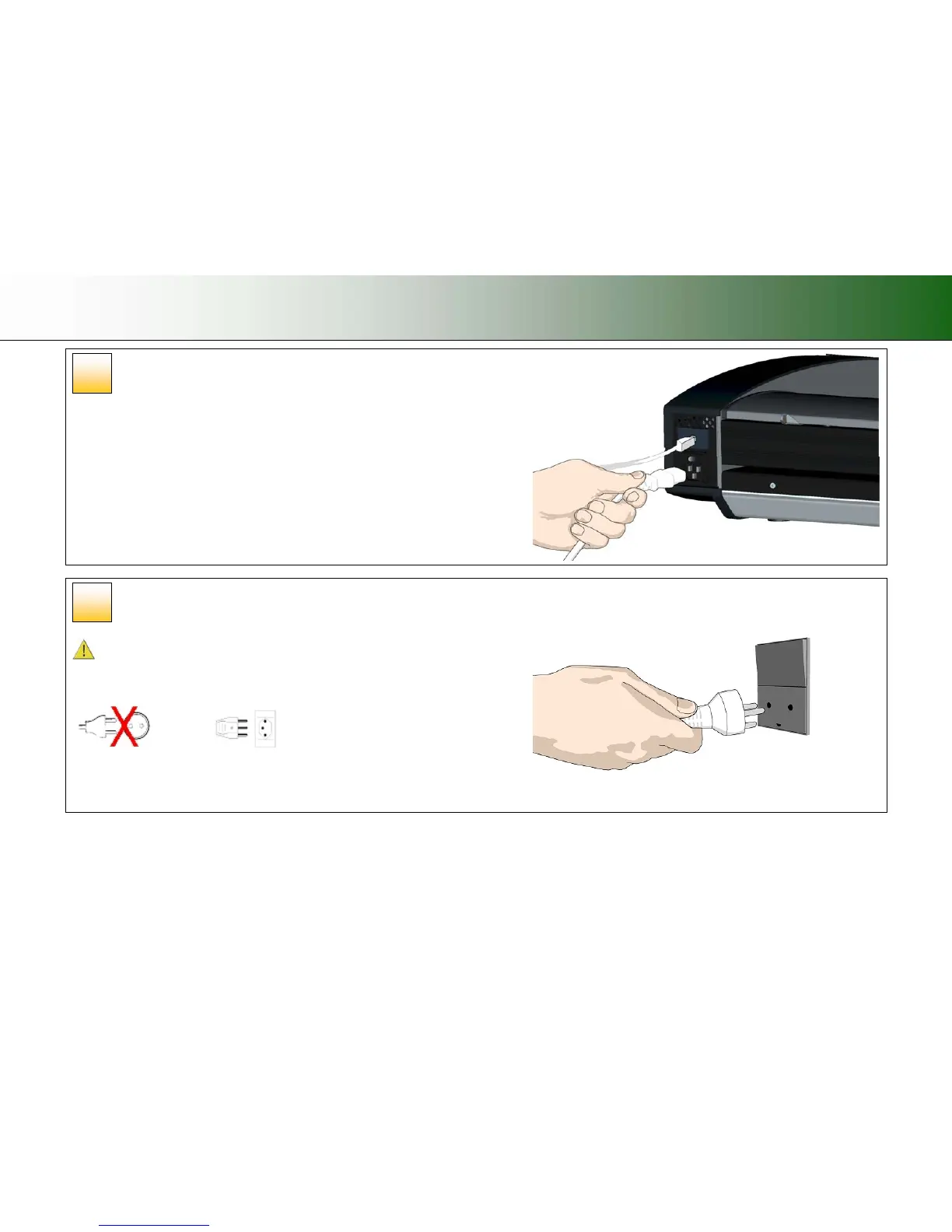
Connect the power cable to the scanner
Connect the scanner power cable to the scanner‘s main power connection socket. The
main power connection socket is at the scanner’s back.
Connect power to the wall outlet
Connect the other end of the scanner power cable to the power outlet.
CAUTION: The scanner is equipped with a three-wire (pin) grounding type plug. If
you cannot insert the plug into your outlet, contact your electrician to replace the plug or
outlet to ensure a grounded power connection. Do not try to defeat or ignore the purpose
of the grounding-type plug.
12
11













 To Next Page