Maintenance 26
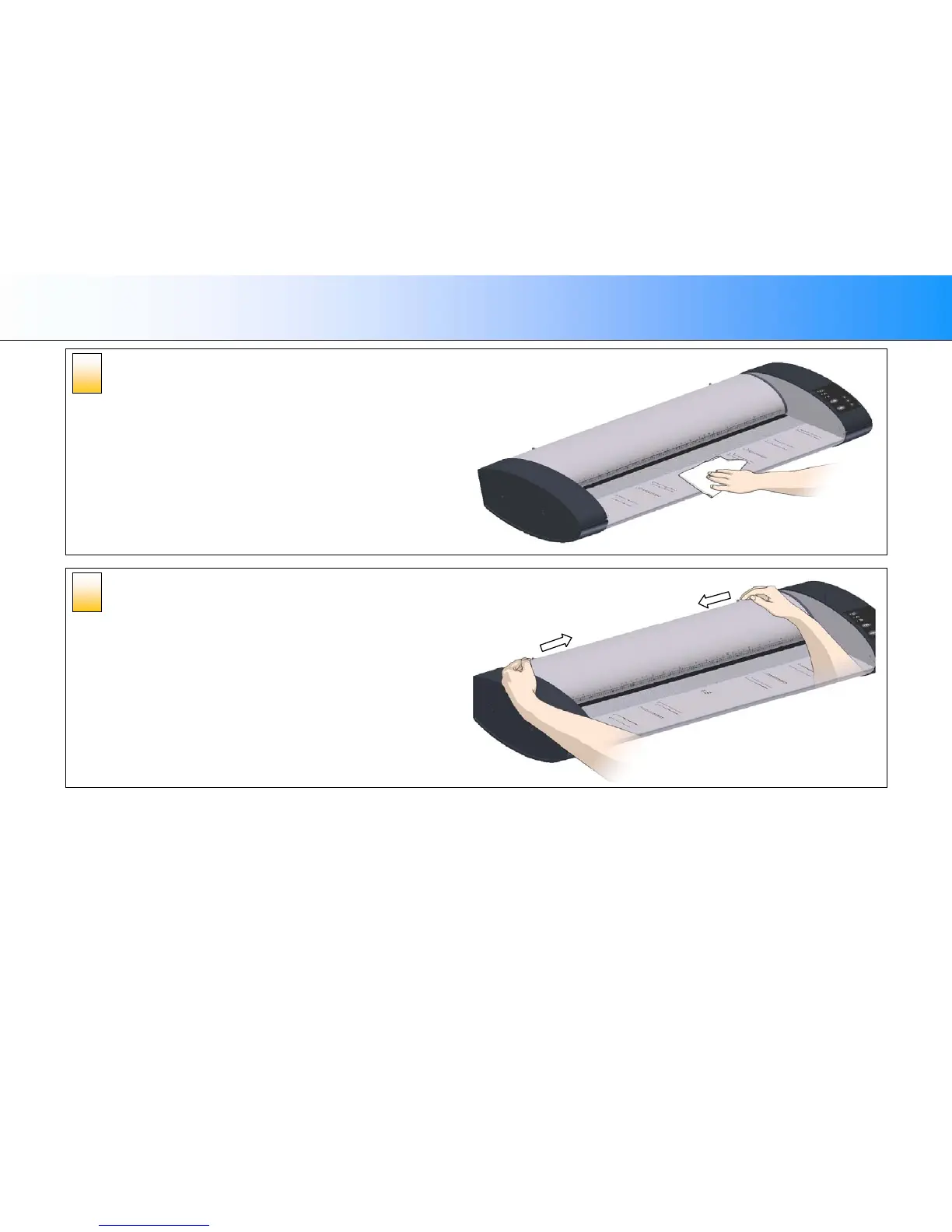
Clean the scanner surface
Clean your scanner’s flat surface so dirt and dust are not dragged into the
scan area with the original.
Open the scanner lid –
Press the lid release buttons
The next steps involve cleaning the scan area under the scanner lid so you
have to open it. The scanner lid release buttons are at the back of the lid.
1. Stand at the front of the scanner.
2. Push down on the lid and simultaneously slide both release buttons
towards the scanner’s center with your fingers until you feel them
unlock.
3. Use your other fingers to grip the edge of the lid.
4
3













 To Next Page