Maintenance 27
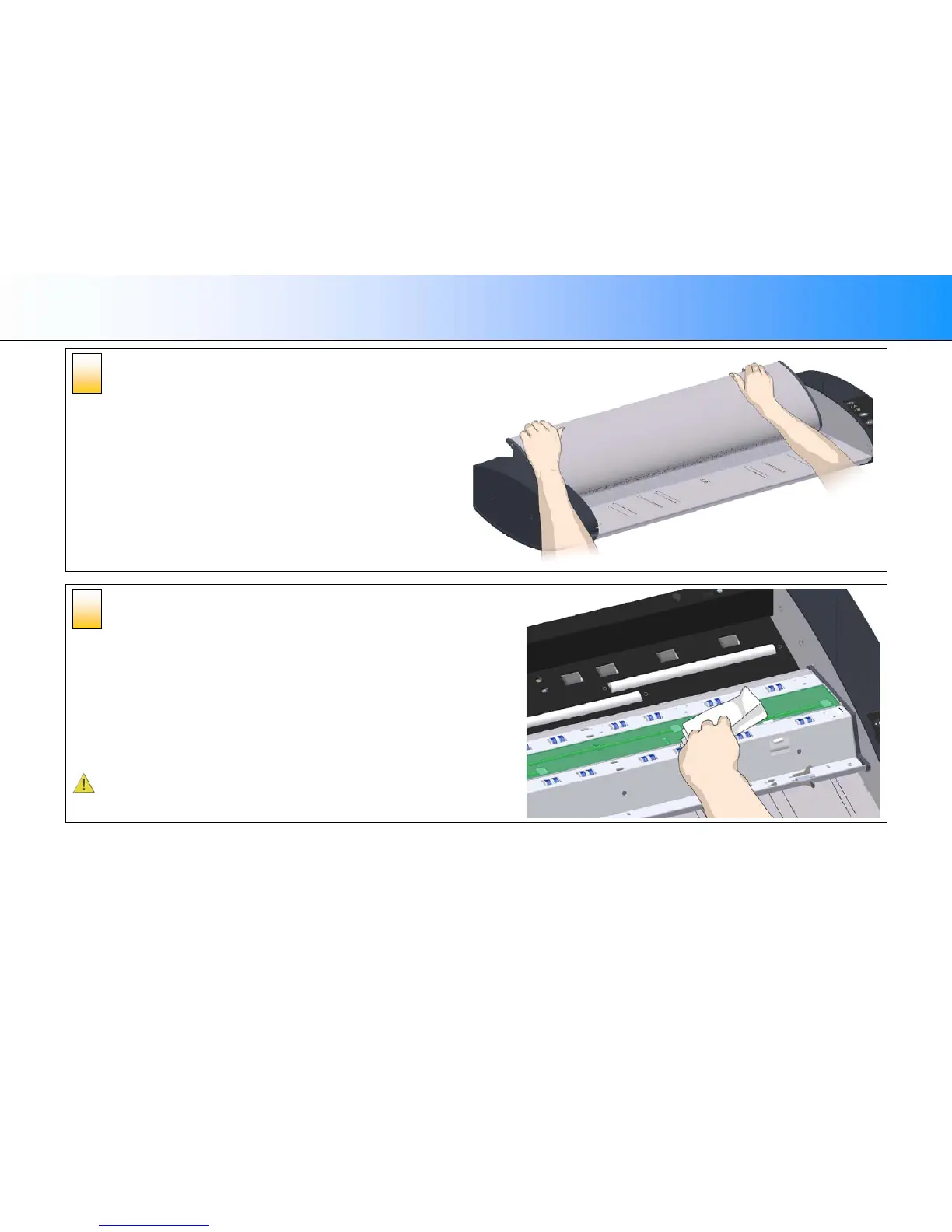
Open the scanner lid – Pull the lid back
Retain pressure on the lid release buttons and your grip on the lid edge as
you pull the lid backwards towards your body. Open the scanner lid all the
way back.
Clean the scanner’s glass plate
Make sure you use 2 fresh and clean lint-free cloths for cleaning the glass
plate. Do not reuse the cloth you used to wipe the scanner bed.
4. Spray/apply a mild, streak-free, glass cleaner onto a lint-free cloth.
5. Gently wipe the glass clean.
6. Dry the glass completely using the other clean, dry lint-free cloth.
7. Make sure that fluids to not get under the glass and that you leave the
area dry.
CAUTION: Do not spray/apply cleaner fluids directly on the glass plate
or anywhere else in the scan area.
6
5













 To Next Page