212-M-V2.1
Operation 11
3. OPERATION
The Model 212 has three display modes:
1. Display of normal energy and flow information
This information is available by pressing the DISPLAY key.
Where appropriate Accumulated Totals can be displayed by
pressing the ACCUM TOTAL key.
2. Checking Set-up Parameters
By pressing and holding the DISPLAY key for about 5 seconds,
the instrument will enter the parameter set-up routine and
allow all set-up parameters to be checked but not changed.
The DISPLAY key is used to step through the parameter list.
3. Set-up Parameters
By removing the bottom cover strip of the instrument (see Section 7),
the set-up switch becomes visible. Pressing this switch will put the
instrument into the set-up mode, whereby all parameters can be
programmed using the DISPLAY, < and û switches.
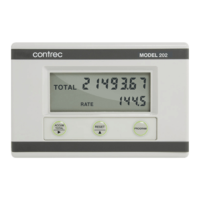
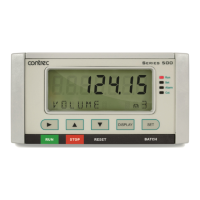
The LCD display has 7 numeric digits with 11 alphanumeric characters along
the bottom. The alphanumeric characters are used to display the parameter
and units.


 To Next Page