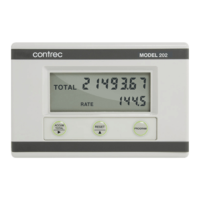
212-M-V2.1
42 Set-up Mode
5. SET-UP MODE
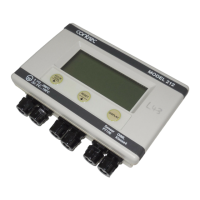
The Set-up Mode can only be entered by removing the lower cover strip
(see Section 7). Usually this will mean breaking a seal which prevents the
strip being removed without tampering.
Once the strip is removed, a small hole provides access to a pushbutton.
By inserting a pen tip or similar item into the hole and pressing the
pushbutton, the
instrument will enter the Set-up mode whereby the parameters can be
entered or changed.
The DISPLAY key is used to step through each parameter and the < and û keys
are used to step through and change items (digits, decimal points or units).
The item which can be changed flashes. Thus the instrument can be fully
programmed on-site without having to purchase a separate programmer.
If the Set-up access pushbutton is pressed while the Model 212 is in Set-up
Mode, the display will return to step 1.
Set-up Mode may be exited by either moving to the last set-up item, QUIT,
and selecting YES, or the DISPLAY key may be pressed and held for 5 seconds.
After this time, the Model 212 will return to normal operation.
Parameter Value Description
1. LANG ENGL
GERM
Select language.
2. MODE HEAT
COOL
HT/CL
CHAR
Selects the mode of operation
between Heating, Cooling, Heating and
Cooling or Charge/Discharge.
3. RESET NO
YES Resets totals upon exiting the Set-up
Mode.


 To Next Page