212-M-V2.1
Operation 13
3.1 DISPLAY OPERATION
3.1.1 Normal Operation
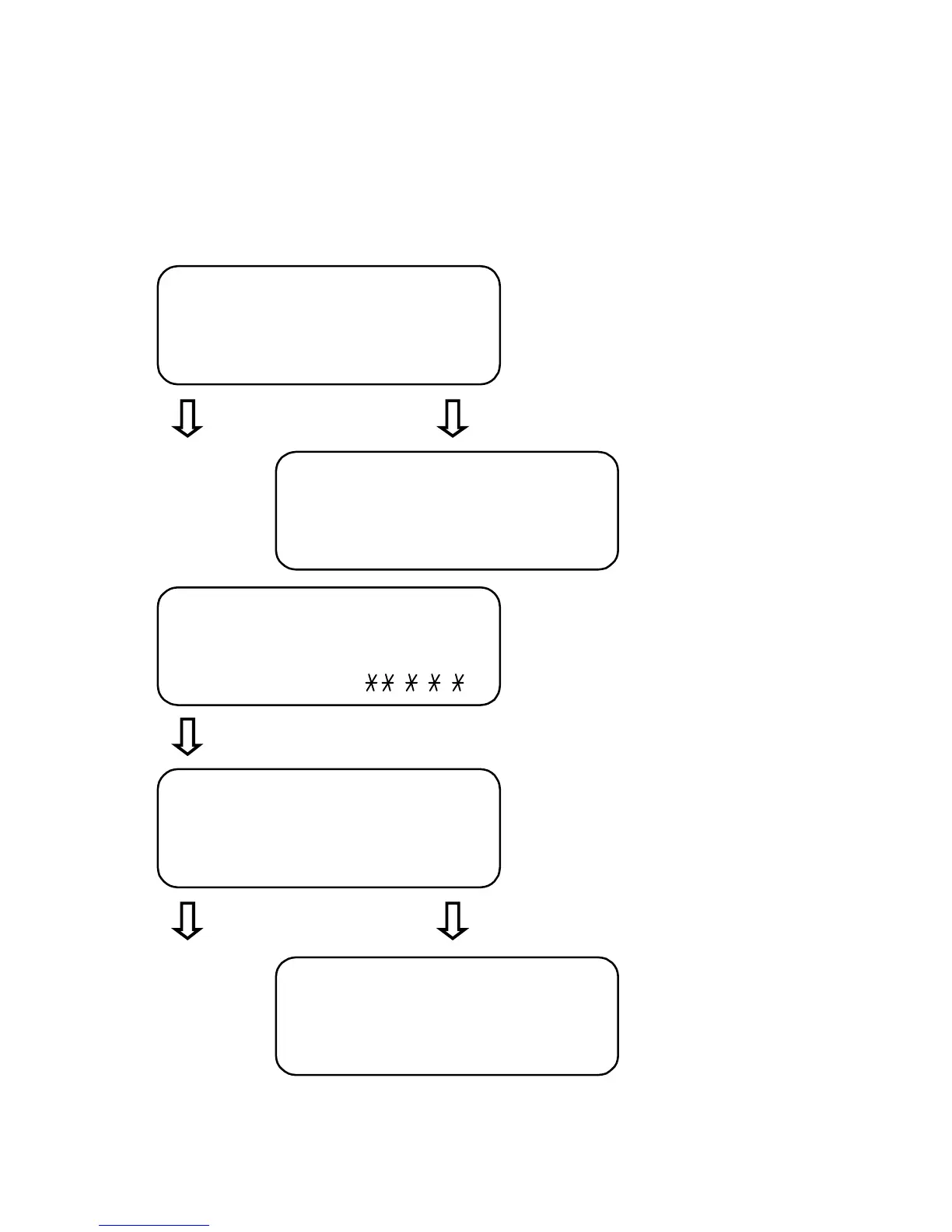
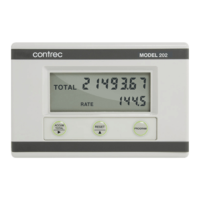
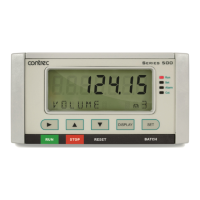
Data which can be displayed by pressing the DISPLAY key is as follows:
Default display - Energy
measured since the last reset.
Press DISPLAY Press ACCUM TOTAL
Accumulated Energy
Total (non-resettable).
Display segments test. Segments
are flashing.
Press DISPLAY
Volume of water measured through
the system since the last reset.
Press DISPLAY Press ACCUM TOTAL
Accumulated Volume
Total (non-resettable).
1 2 3 4 5 6 . 7
ENERGY KWH
7 8 9 1 0 1 . 8
ACCUM KWH
8 8 8 8.8.8.8
TEST 00.0.0.0.
1 4 3 4 . 6
VOLUME M3
6 4 3 2 6 . 5
ACCUM M3


 To Next Page