29COOLIUS A10
7. Set the quantity of refrigerant by COOLIUS SELECT (from
50 to 5.000). Press START to save.
The record is saved in alphabetical order.
5.5.2 Selection of a vehicle
1. Enter in
A/C DATABASE.
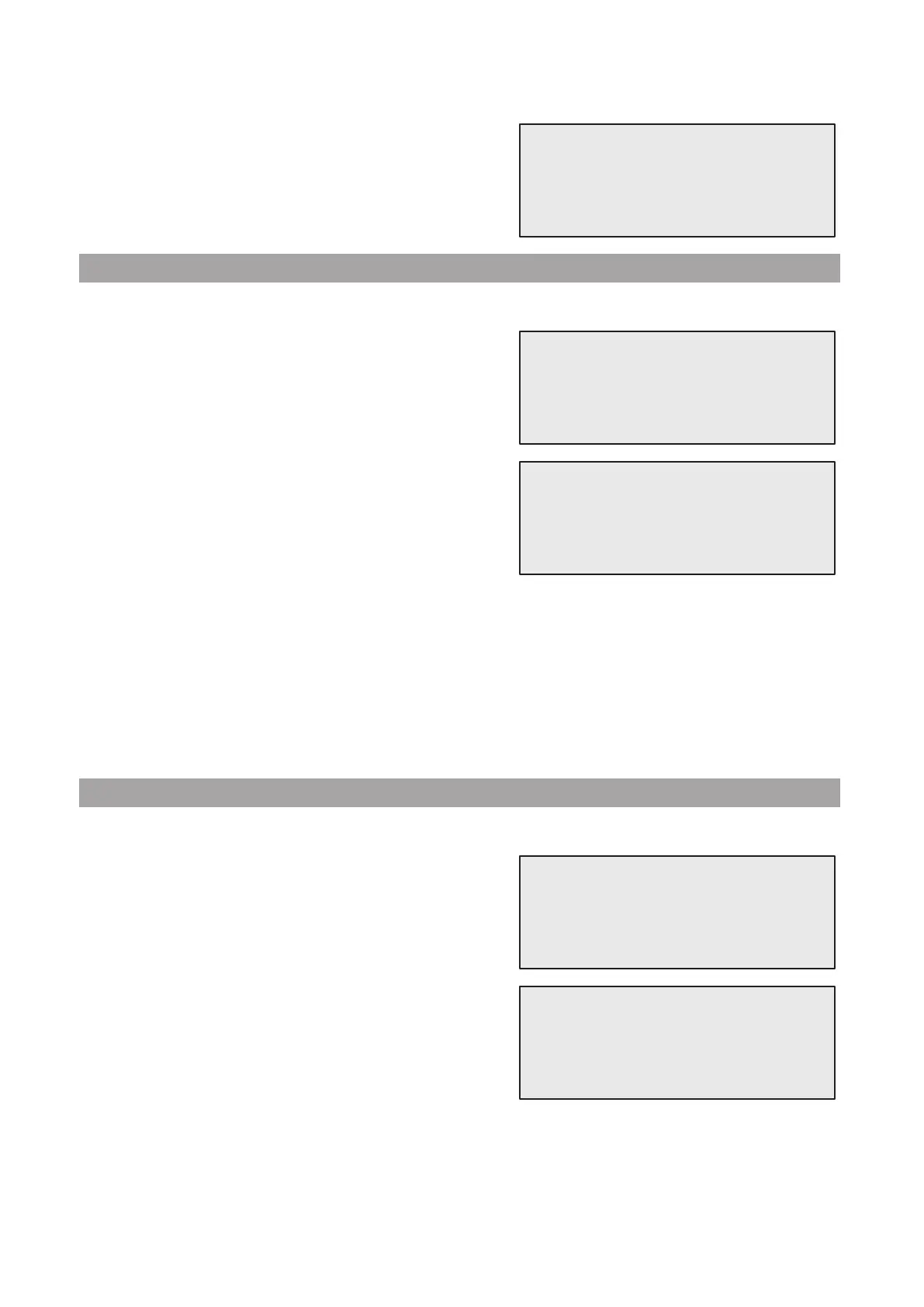
Turn COOLIUS SELECT counter clockwise, the display
shows:
2. Turn COOLIUS SELECT to select the desired vehicle, then
press ENTER to use it, or “STOP” to exit.
3. Turn COOLIUS SELECT to choose between:
• AUTOMATIC: The machine performs a complete process using the default values for oil and UV
(set in MACHINE SET-UP).
• MANUAL: The machine goes to the complete process set-up
See chapter The vehicle is now deleted and the machine goes to the Owner Data-
Base list of vehicles. p. 30
OPEN PROGRAM / RECOERY / NITROGEN PRESS. TEST
/ VACUUM / A/C SYSTEM CHARGE
.
NOTE: Set the Nitrogen test time to
0 minutes to bypass the pressure test.
4. Press ENTER to conrm or STOP to go back to the Owner DataBase list of vehicles.
5.5.3 How to modify or delete a saved vehicle
1. Enter in
A/C DATABASE.
Turn COOLIUS SELECT counter clockwise, the display
shows:
2. Press i (INFO) key, then the display shows:
3. Turn COOLIUS SELECT to select between
MODIFY and
DELETE, then press ENTER to conrm or STOP to go
back to the Owner DataBase list of vehicles.
Quantity:
g. 500
UserBrand
UserModel
g. 500
INFO
Automatic
UserBrand
UserModel
g. 500
INFO
Modify



 To Next Page