Group
Easicheck
1. System LED’s
2. Test group LED’s
3. Touch Screen Display
Panel Controls & Indicators
1
2
3
4
5
6
7
8
3
2
1
Comms
Fault
General
Fault
Luminaire
Fault
Disable
Test in
Progress
Power
ON
System
Fault
Emergency
Mode
LED
1
4
5
6
7
8
Power On
General fault
Comms Fault
Disable
Emergency Mode
System Fault
Luminaire fault
Test in Progress
Indicates mains supply healthy.
There is a fault somewhere on the system.
One or more luminaires not communicating
correctly with control panel.
One or more luminaires manually removed
from test schedule / status monitoring.
Mains supply to external luminaire(s) has
been lost.
There is a system Malfunction.
The system has detected that luminaire(S)
require some form of maintenance.
Luminaires are being tested.
Check regularly ensure lit.
Review other indicators and LCD display
for further details.
Check display for more details, check
external wiring, check for missing /
damaged luminaires.
Ensure responsible person is aware.
2
3
Check display for more details, check
external wiring and mains supplies.
Ensure responsible person is aware
Contact maintenance provider.
Contact Maintenance provider.
Information only, no action required.
Touch Screen Display
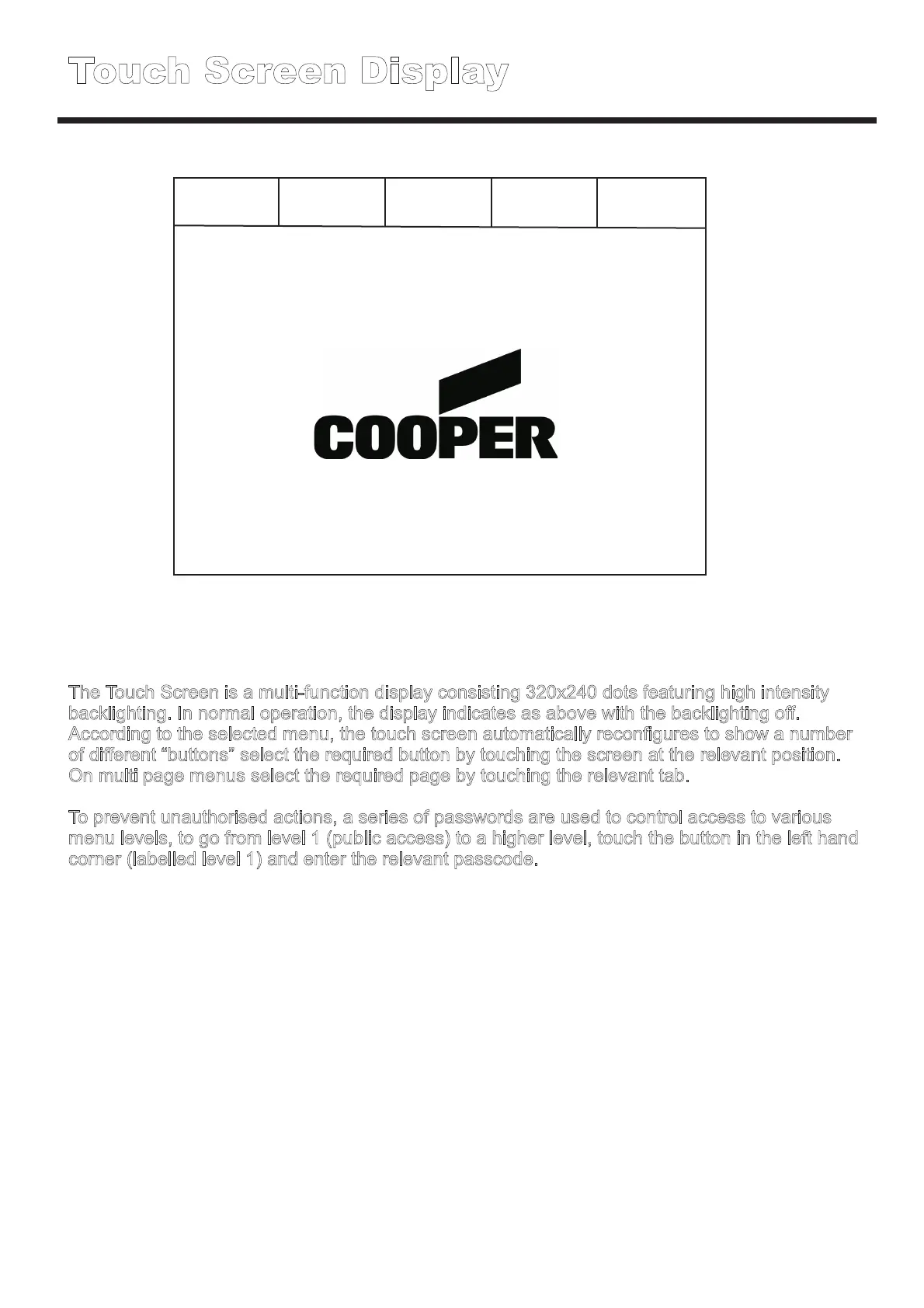
The Touch Screen is a multi-function display consisting 320x240 dots featuring high intensity
backlighting. In normal operation, the display indicates as above with the backlighting off.
According to the selected menu, the touch screen automatically reconfigures to show a number
of different “buttons” select the required button by touching the screen at the relevant position.
On multi page menus select the required page by touching the relevant tab.
To prevent unauthorised actions, a series of passwords are used to control access to various
menu levels, to go from level 1 (public access) to a higher level, touch the button in the left hand
corner (labelled level 1) and enter the relevant passcode.
Level 1 0 Faults 0 Disabled 0 In Test Mute Buzzer
Date and time
DD-MMM-YY HH-MM-SS



 To Next Page