Level 2 (Initial menu)
Back
Level 2
Mute Buzzer
Global reset Enable / Disable
View log
Set date / time
Test panel LED’s
View recent results
Test
Global reset
View Log
Set date and time
Enable Disable
Test panel LED’s
View recent test results
Test
Touch this to reset all network connected panels, resetting panels clears all existing faults and
messages, however if the faults themselves have not been rectified they will reappear when the
panel next reads the device status or conducts a device test. (test failures will only re-apear
after the next failed test, it is suggested to log all faults before resetting the panel.)
Touch button to initiate sequence then choose either yes to confirm or choose back to cancel.
Displays the event log.
The event log contains details of all recent panel and system events, such as date and time of
tests see next page for further details.
Use the various buttons to set the current date and time, press “OK” when finished to save
current settings or press “back” to cancel.
Used to disable devices (exclude them from any communication with the panel) this means that
fittings will not be tested, and their status will not be reported at the panel.
See page XX for further details.
Touching this button will cause all panel indicators to light and then extinguish in sequence, use
regularly to confirm that all indicator lamps are functional.
Shows the date and time of all recent test start and endings.
Provides access to the manual test menu used to verify luminaire operation after repairs etc.
See page XX for further details.
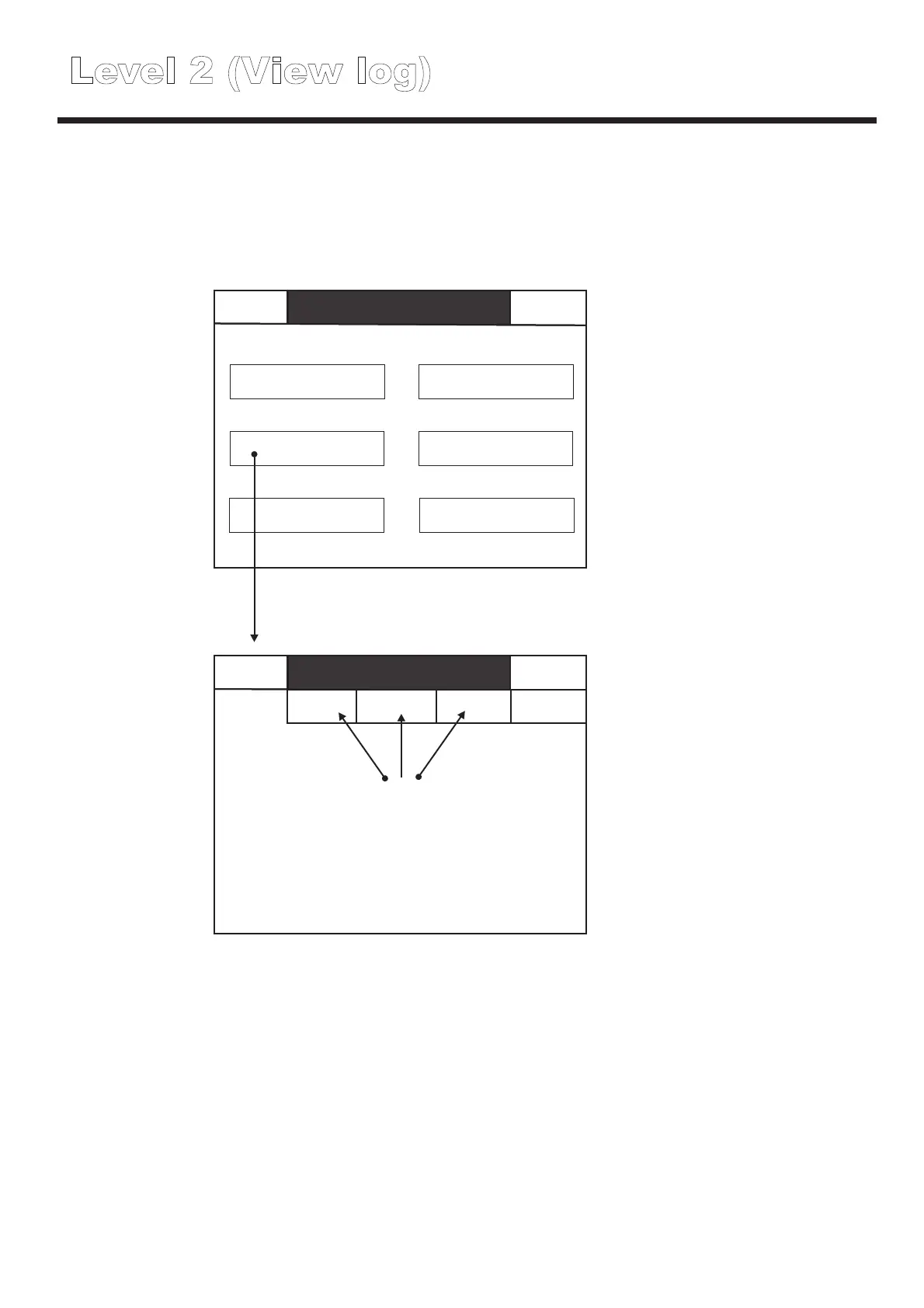
Level 2 (View log)
Back
Level 2
Mute Buzzer
Global reset Enable / Disable
View log
Set date / time
Test panel LED’s
View recent results
Back
Level 2
Mute
X Test
Events
X Disabled X Faults
X Other
Events
Touch these buttons to include or
exclude these event types from the
event log display
In total the event log holds details of the last 1000 events.
Once the event log memory is full each new entry into the log will automatically replace the
oldest event already in the log.
The event log can only be reset by Cooper Lighting and safety personel.



 To Next Page