Level 3 (Test)
0 Disabled0 Faults 0 In test
Mute Buzzer
0 Disabled0 Faults 0 In test
Mute Buzzer
Level 3
Test address
Level 3
Test address
Location
Location
Loop
Loop
Address
Address
Type
Type
Group
Group
Reception Exit sign
Reception Exit sign
Previous
Previous
Next
Next
1
1
1
1
1
1
1
SCAEL
SCAEL
Back
Back
Send to PC
Send to PC
Auto
Auto
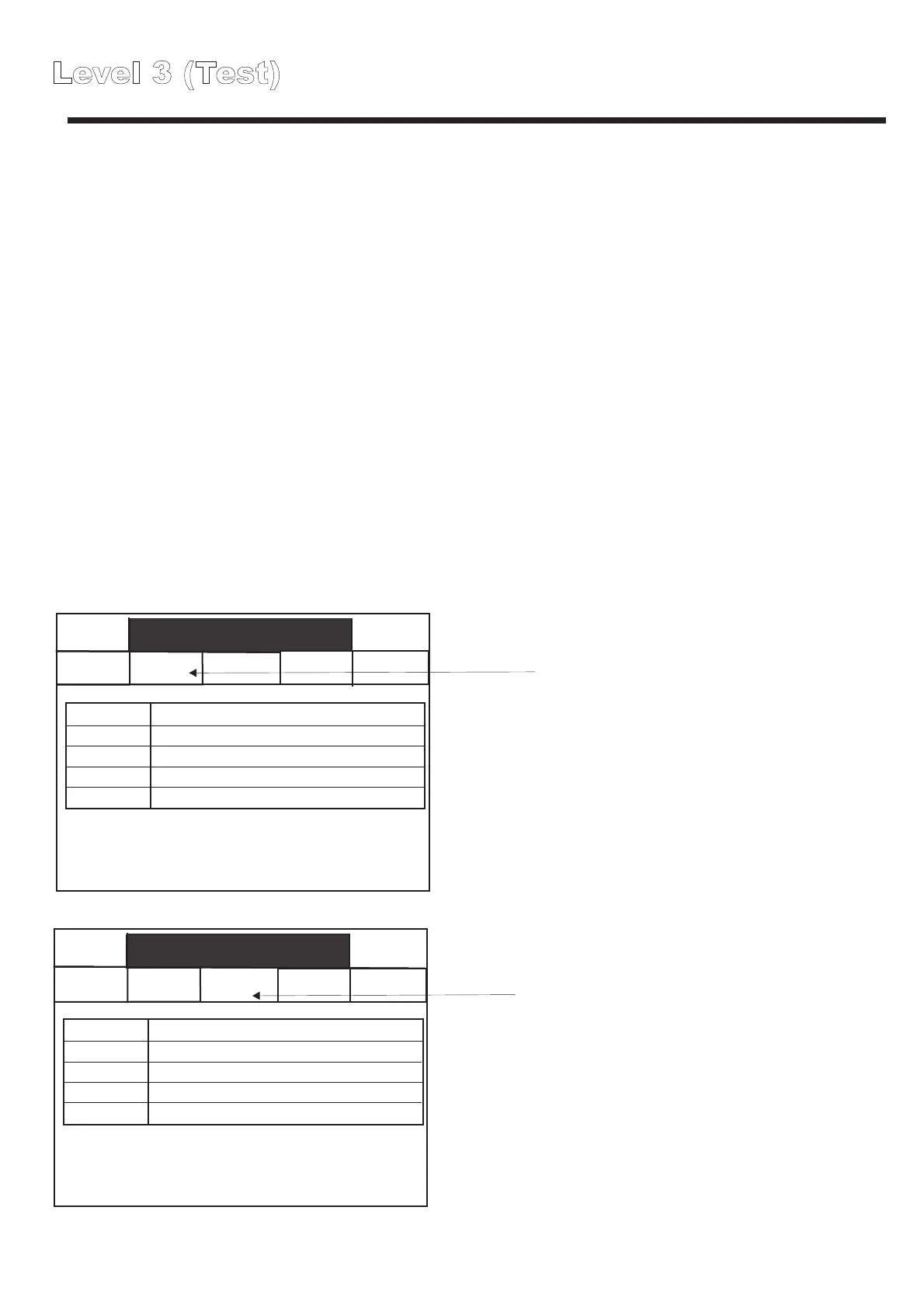
The Auto scroll function allows multiple consecutive fittings to be sequentially tested.
This function is extremely useful to verify that the correct text and programming
information has been allocated to specific addresses.
To activate autoscroll function:
1) Place the first fitting into test using the instructions on the previous page, then press
the auto button.
Pressing the auto button will select the current fitting as the first fitting in the scroll loop.
2) The box at the side of the auto button indicate the fittings included in the current
autoscroll loop. Each time you press the button labelled with the addresses in the
current autoscroll loop, the next address will be added to the auto scroll sequence.
3) Press back to cancel the autoscroll sequence.
IMPORTANT NOTE
Frequent short term cycling of lamps can have a detrimental impact on lamp life
and can cause premature ageing.
Do not use auto scroll for extended periods or repeatedly on the same group of
fittings.
Press here to select the current
fitting as the start fitting in the
autoscroll sequence.
Press here to add the next
addressed fitting to the auto
scroll list
1 to 2
Level 3 (Analogue values)
Back
Level 3
Mute
Buzzer
Global reset Commission
Configure
Analogue level
Test
Loop 1
Level 1
0 Disabled
0 Faults 0 In test
Mute Buzzer
Voltage and current
Select loop
Level 1
0 Disabled
0 Faults 0 In test
Mute Buzzer
Level 1
0 Disabled
0 Faults 0 In test
Mute Buzzer
Loop 1; Address 1; Group 1; SCAEL; Nicad 2 cells
Reception Exit sign
Reception Exit sign
Loop 1; Address 2; Group 1; SCAEL; Nicad 3 cells
Reception Above desk
Loop 1; Address 3; Group 1; SCAEL; Nicad 2 cells
Reception in corridor
Voltage and current
Select loop
Voltage and current
Loop1;address 1;SCAEL
V
0
10.0
2.78V; Min = 2.65; max = 2.83
230mA; Min = -1.23A; max = 240mA
MA
Previous
Next
Not in test
2
3
3
4
5
6
7
1
2
1
4
5
6
7
Bar Chart showing battery voltage (updated in
real time.)
Bar Chart showing battery current (updated in
real time.) Negative values indicate a discharge
condition.
Current, Maximum and Minimum voltage
values reached whilst this fitting has been
viewed.
Current, Maximum and Minimum Current values
reached whilst this fitting has been viewed.
Touch here to view details of the next fitting.
Touch here to put this fitting into a discharge
test, touch again to end discharge test.
Touch here to view details of the previous fitting.



 To Next Page