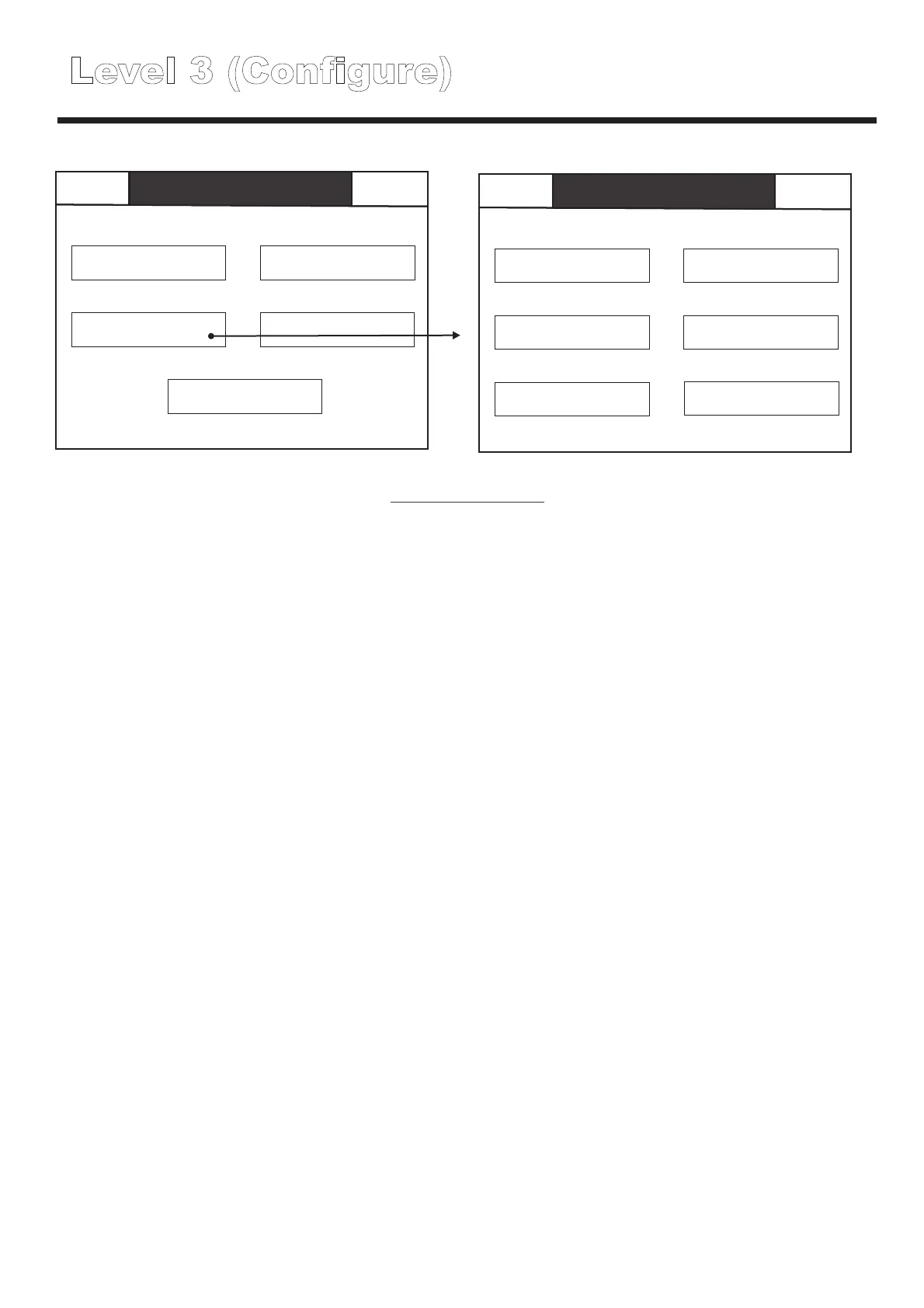
Level 3 (Configure)
Back
Back
Level 3
Configure
Level 3
Configure
Mute
Buzzer
Mute
Buzzer
Global reset
Buzzer mode
Commission
Configure address
Configure
Edit panel text
Analogue level
Add delete address
Test
Thresholds
Scheduled tests
Level 3 configure
Buzzer mode
Configure address
Edit Panel text
Thresholds
NOTE; THESE SETTINGS MUST NOT BE ALTERED OTHER THAN BY SUITABLY TRAINED
PERSONNEL, INCORRECT THRESHOLD SETTINGS WILL CAUSE THE SYSTEM TO
MALFUNCTION.
Add delete address
Scheduled tests
Used to set the buzzer operation preferences see page XX for further details.
Used to configure the location text for each device and to set the battery parameters for each
luminaire, see page xx for further details.
Used to set the location text for the panel itself, useful on networked systems to distinguish between
information relating to different panels
Used to define the acceptable parameters for voltage and current for each different interface type.
Used to add new devices to the system or to delete redundant devices from the system e.g after
building alterations, see page xx for further details.
Used to set up test schedules for short functional tests and full rated duration tests, see page xx for
further details.
, see page xx for further details.
Back
Mute
Buzzer
On
Touch
Off
Back
Back
Level 3
Configure
Buzzer mode
Mute
Buzzer
Mute
Buzzer
Global reset
Buzzer mode
Commission
Configure address
Configure
Edit panel text
Analogue level
Add delete address
Test
Thresholds
Scheduled tests
Level 3
Configure
Buzzer activates
automatically in the event
of a faults, and beeps to
indicate a button press.
Buzzer remains silent
automatically in the event
of a faults, but beeps to
indicate a button press.
Buzzer is completely
disabled.
Level 3 (Configure - Buzzer mode)



 To Next Page