Back
Level 3
Commission
Mute
Buzzer
Site data
Network settings
Factory reset
Group allocation
System details
Printer Settings
Logo
Back
Level 3
Commission
Mute
Buzzer
Number of panels is X
Panel address X
No backward compatibility
Back
Level 3
Mute Buzzer
Global reset Commission
Configure
Analogue level
Test
Level 3 (Commission - Network settings)
Touch here to specify the number of
panels on the network, use the up and
down buttons to select the correct
number then press ok to save
Touch here to specify the address
number of the current panel, use the
up and down buttons to select the
correct number then press ok to save
Touch here to specify which other
Cooper products (if any) are likely to
share the same network.
Note: the correct setting of these parameters is vital to
ensure reliable network communication.
Group 1
Group 2
Group 3
Back
Level 3
Commission
Mute
Buzzer
Site data
Network settings
Factory reset
Group allocation
System details
Printer Settings
Logo
Back
Level 3
Mute Buzzer
Global reset Commission
Configure
Analogue level
Test
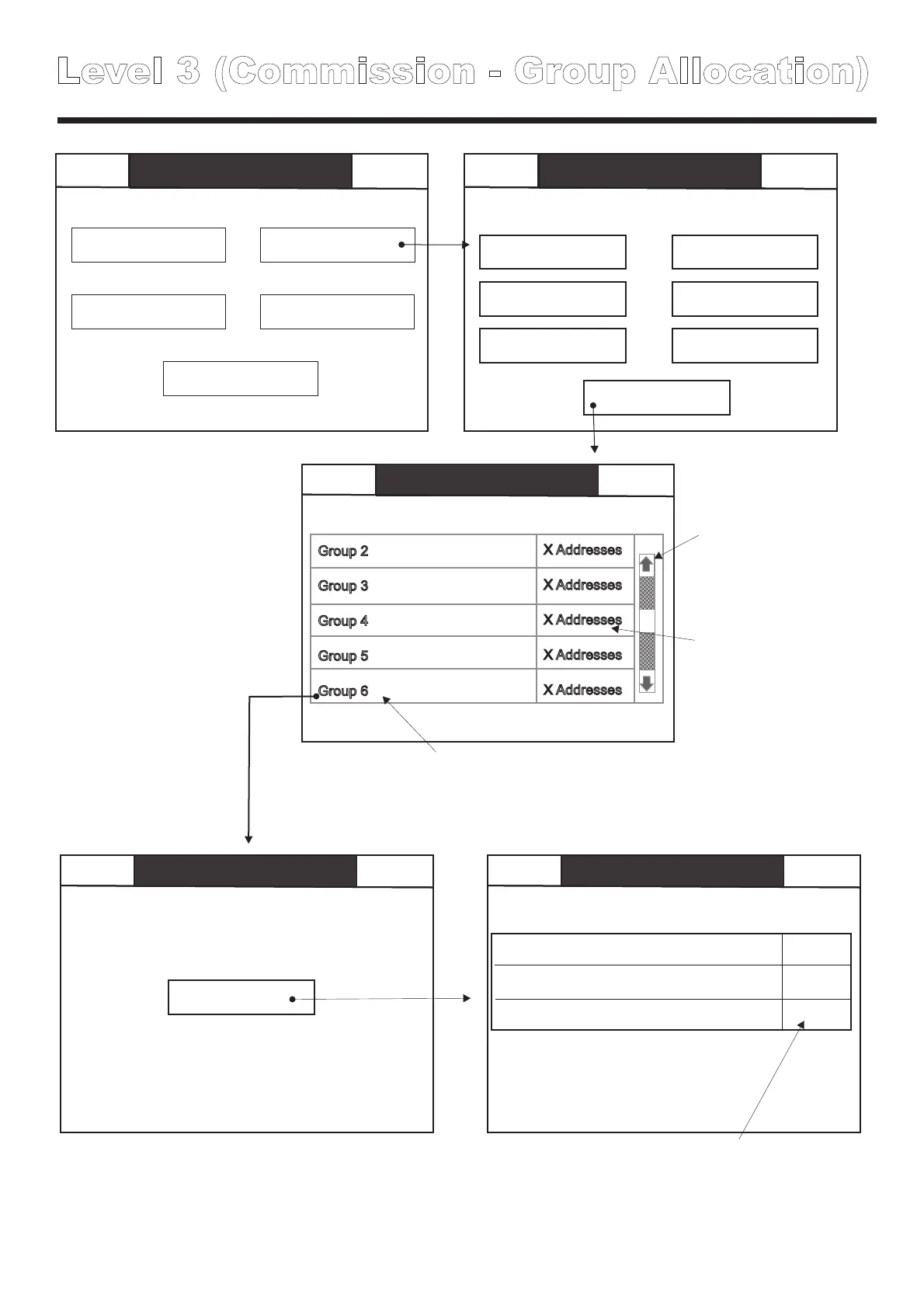
Level 3 (Commission - Group Allocation)
Back
Commission
Group Allocation
Mute
Group 2
Group 3
Group 4
Group 5
Group 6
X Addresses
X Addresses
X Addresses
X Addresses
X Addresses
Back
Mute
Buzzer
Back
Group Allocation
Group 6
Mute
Touch here to
scroll through
list of groups
Touch here to move this fitting from
its existing group (e.g. Grp 3) to the
current selected group (e.g. grp6)
Touch chosen
group to add
devices to it.
Indicates qty of
devices currently
in each test group
Loop 1
Group Allocation
Group 6
Loop 1; Address 1; Group 1; SCAEL; Nicad 2 cells
Reception Exit sign
Loop 1; Address 2; Group 1; SCAEL; Nicad 3 cells
Reception Above desk
Loop 1; Address 3; Group 1; SCAEL; Nicad 2 cells
Reception in corridor



 To Next Page