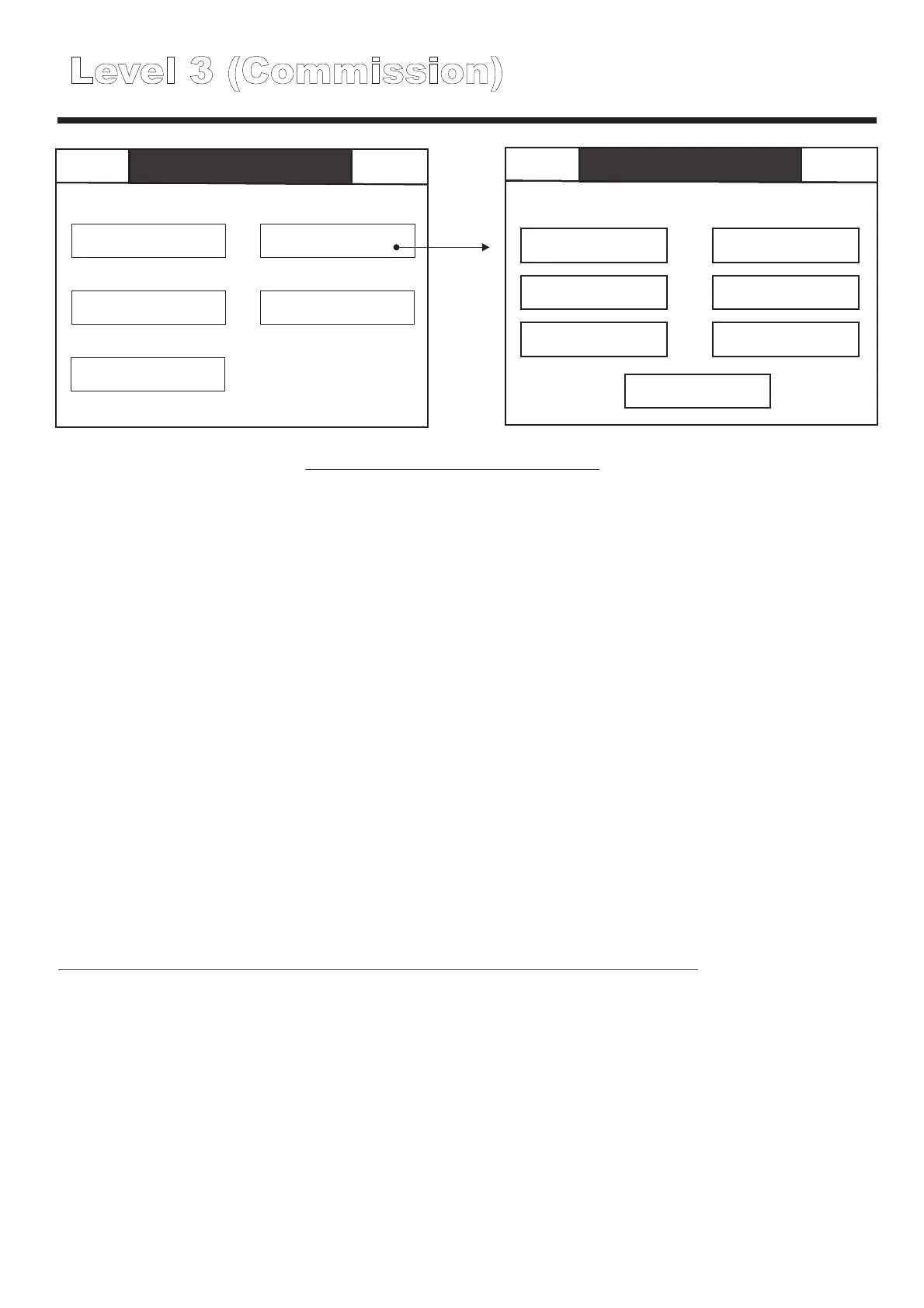
Level 3 (Initial menu)
Back
Level 3
Mute Buzzer
Global reset Commission
Configure
Analogue level
Test
Global reset
Commission
Configure
Test
Analogue level
Touch this to reset all network connected panels, resetting panels clears all existing faults and
messages, however if the faults themselves have not been rectified they will re-appear when
the panel next reads the device status or conducts a device test.
Touch button to initiate sequence then choose either yes to confirm or choose back to cancel.
Used to autolearn the panel, download data from a PC to the panel, upload data from the panel
to a PC for editing and to add new devices. (see page XX.)
Used to set up panel and device settings such as address text , luminaire test thresholds, panel
text, test scheduling etc, see page XX for further details.
Used to manually start and stop group tests, and also to test individual fittings, see page XX for
further details.
Displays read time information about the current voltage and current data for the selected
luminaire see page XX for further details.
Level 3 (Commission)
Back
Level 3
Commission
Mute
Site data
Network settings
Factory reset
Group allocation
System details
Printer Settings
Logo
Back
Level 3
Mute Buzzer
Global reset Commission
Configure
Analogue level
Test
Level 3 commissioning functions
Site data
Contains menus to carry out a full autolearn or maintenance autolearn.
Allows site configuration data to be downloaded from a PC or uploaded to a PC for editing and
subsequent downloading back to the panel.
Note; PC software is only available to Cooper Personnel, (it is not available for purchase.) See
page XX for further details.
System details
Network settings
Printer Settings
Factory reset
Logo
Group Allocation
Shows full system details including number of panels on the network, software version, number
of devices per loop etc.
Used to set up the network, program the number of panels on the network, configure the
addresses of networked panels and establish network compatibility settings, see page xx for
further details.
Allows the configuration of a supported external printer.
Resets all settings to their original factory default settings, select factory reset, then choose
either yes to continue or press back to cancel.
After a factory reset, a series of squares will appear on the touch screen, touch these as they
appear, this is used to calibrate the screen.
Allows the selection of alternative logo’s to be displayed on the panel during normal quiescent
operation.
In addition to the default Cooper logo, additional bitmap logo’s can be downloaded during
commissioning by Cooper Lighting service engineers.
Allows individual fittings to be assigned to test groups as required, test groups enable the
staggering to prevent complete loss of protection immediately after a full discharge test.
See page XX for further details.
Caution! This will erase all settings and site data, use with extreme care.



 To Next Page