Restricted access (level 3)
Skilled engineer functions
Section 7
Level 3 (Skilled engineer level)
The level 3 menu allows access to the system functions typically used during initial
commissioning and system configuration.
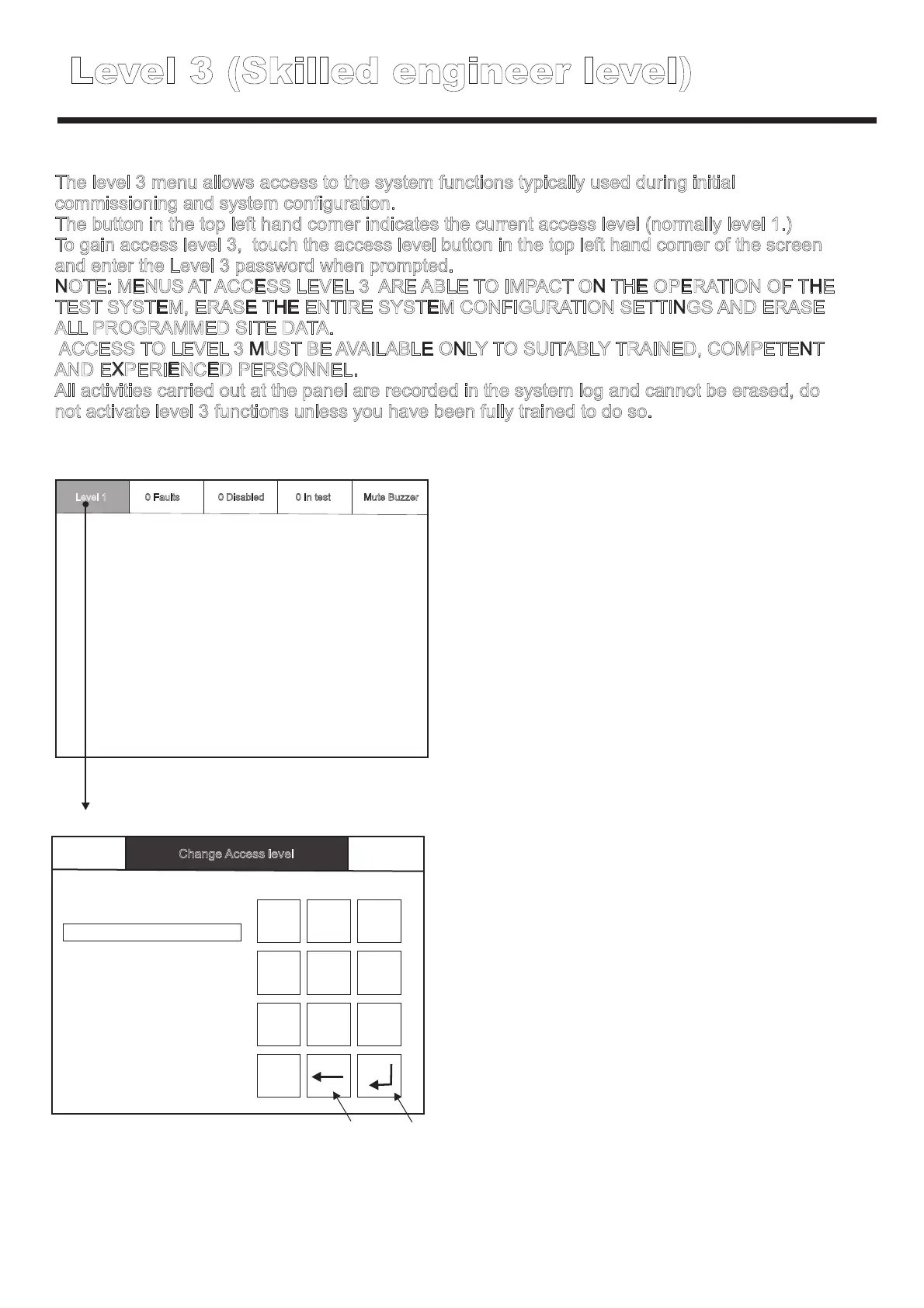
The button in the top left hand corner indicates the current access level (normally level 1.)
To gain access level 3, touch the access level button in the top left hand corner of the screen
and enter the Level 3 password when prompted.
NOTE: MENUS AT ACCESS LEVEL 3 ARE ABLE TO IMPACT ON THE OPERATION OF THE
TEST SYSTEM, ERASE THE ENTIRE SYSTEM CONFIGURATION SETTINGS AND ERASE
ALL PROGRAMMED SITE DATA.
ACCESS TO LEVEL 3 MUST BE AVAILABLE ONLY TO SUITABLY TRAINED, COMPETENT
AND EXPERIENCED PERSONNEL.
All activities carried out at the panel are recorded in the system log and cannot be erased, do
not activate level 3 functions unless you have been fully trained to do so.
Level 1
0 Disabled0 Faults 0 In test
Mute Buzzer
Please enter passcode
0
1 2
3
4
5
6
7
8 9
Enter
Back space
Back Mute BuzzerChange Access level



 To Next Page