Back
Back
Level 3
Mute
Buzzer
Mute
Buzzer
Global reset
Buzzer mode
Commission
Configure address
Configure
Edit panel text
Analogue level
Add delete address
Test
Thresholds
Scheduled tests
Level 3
Configure
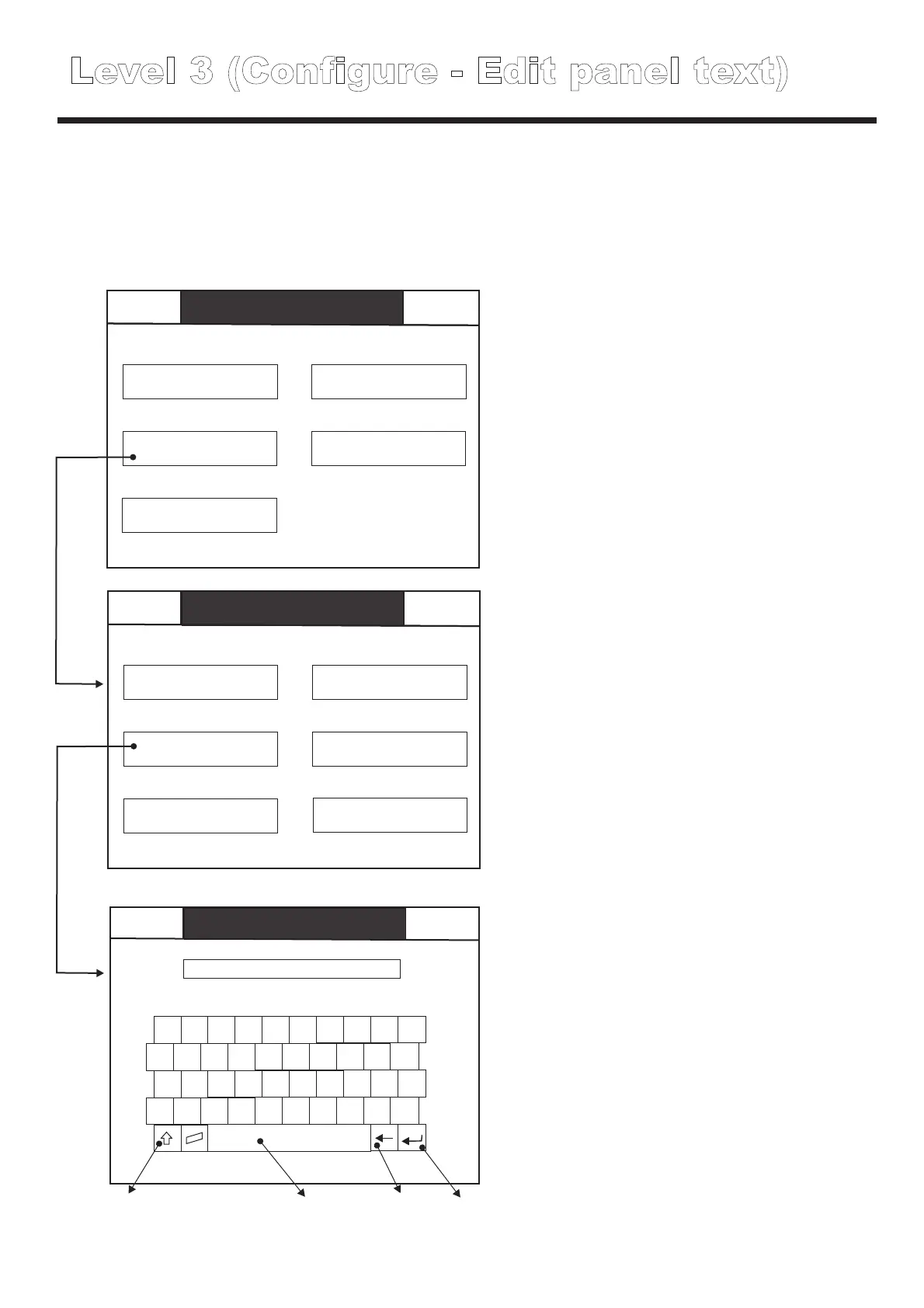
Level 3 (Configure - Edit panel text)
Back
Mute
Buzzer
Configure
Edit panel text
***************
1 2
3
4
5
6
7
8 9 0
Q
W E R T Y I
O
P
U
A S D F G H
J
K L
;
Z X C V B N M
,
.
/
Enter
Back space
CAPS lock
Space bar
Location text can also be assigned to each panel, this is useful when several panels are networked
together, since by giving each panel a different name / location the source of network messages
can easily be identified.
NOTE: when commissioned by Cooper Lighting, a PC will be used to automatically
download the panel name / location text.
Back
Back
Back
Level 3
Mute
Buzzer
Mute
Buzzer
Mute
Buzzer
Global reset
Buzzer mode
View thresholds
Commission
Configure address
Configure
Edit panel text
Edit Thresholds
Analogue level
Add delete address
Restore default thresholds
Test
Thresholds
Scheduled tests
Level 3
Configure
Configure
Thresholds
Level 3 (Configure - Thresholds)
During luminaire interrogation, Easicheck verifies the performance of the luminaires by comparing
the battery voltage, battery charge current and battery discharge current to stored values
representing acceptable variations.
For LED luminaires, Easicheck also measures the light output of the device.
The thresholds menu allows the engineer to view and alter the threshold settings, these settings
should only be altered by skilled, suitably trained engineers, incorrect threshold setting can result in
system malfunctions.



 To Next Page