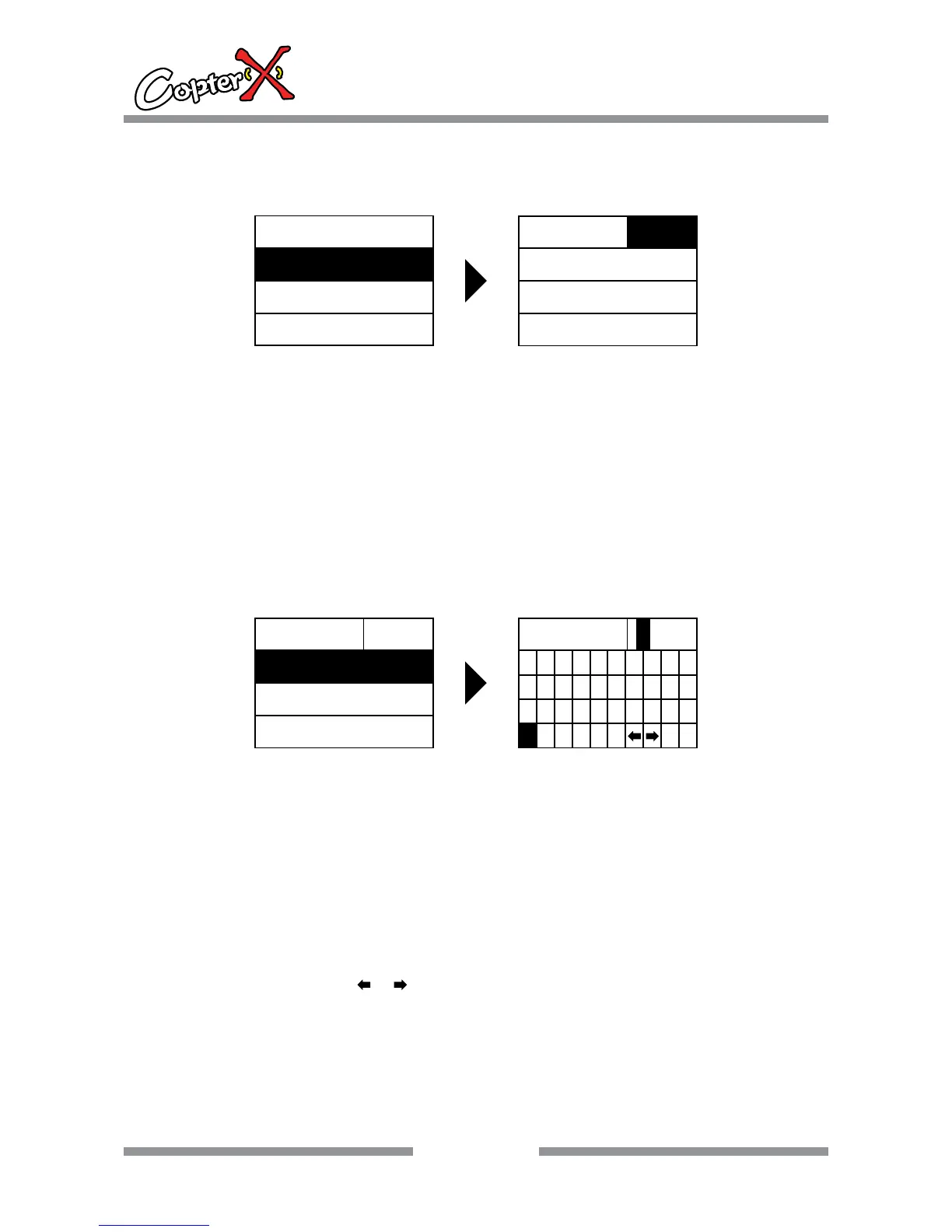
9.2. MODEL.SET
Recall Model
Operation:
1. Press “up” or “down” to select “SYS.MENU”, and press “ENTER” to come to the interface.
2. Press “ENTER” to come to “MODEL.SET” interface, and now the shadow area is the item that can
be set currently.
3. Press “INC” or “DEC” to select mode you expect. The default setting are Mod1, Mod2, Mod3,
Mod4, Mod5, Mod6.
4. Press “ENTER” to confirm when a model number is selected, otherwise your selection is invalid.
Remark: when your selection is successful, the model naming area in the main interface will show
the corresponding change.
Please note: All your settings have been saved in the current model number.
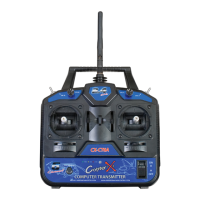
Rename model
Operation:
1. Press “up” or “down” to select “SYS.MENU”, and press “ENTER” to come to the interface.
2. Press “ENTER” to come to “MODEL.SET” interface, and now the shadow area is the item that can
be set currently.
3. Press “up” or “down” to select the setting function items, and press “ENTER” to come to
“RENAME”
4. Move the stick in left stick four directions to select letters or digits to rename your item. Press
“ENTER” to confirm when letters or digits are selected, otherwise your selection is invalid.
Caution: When cannot select letters to the left need redone “STICK ADJ”.
Remark: when the cursor is at ‘ or ’, press “ENTER” to quickly change the single letter of the
name.
ENTER
10
CX-CT6C
2.4GHz 6 Channel FHSS Technology
Digital Proportional Radio System
SYS.MENU
PLANE TYPE
STICK MODE
MODEL.SET
MODEL
RENAME
SAVE AS
RECOVER
MOD0
ENTER
MODEL
SAVE AS
RECOVER
MOD0
RENAME
RENAME
0123456789
BCDEFGHIJ
KLMNOPQRST
VWXYZ
A
UOD0
U


 To Next Page