9.3. PLANE TYPE
9.4. STICK MODE
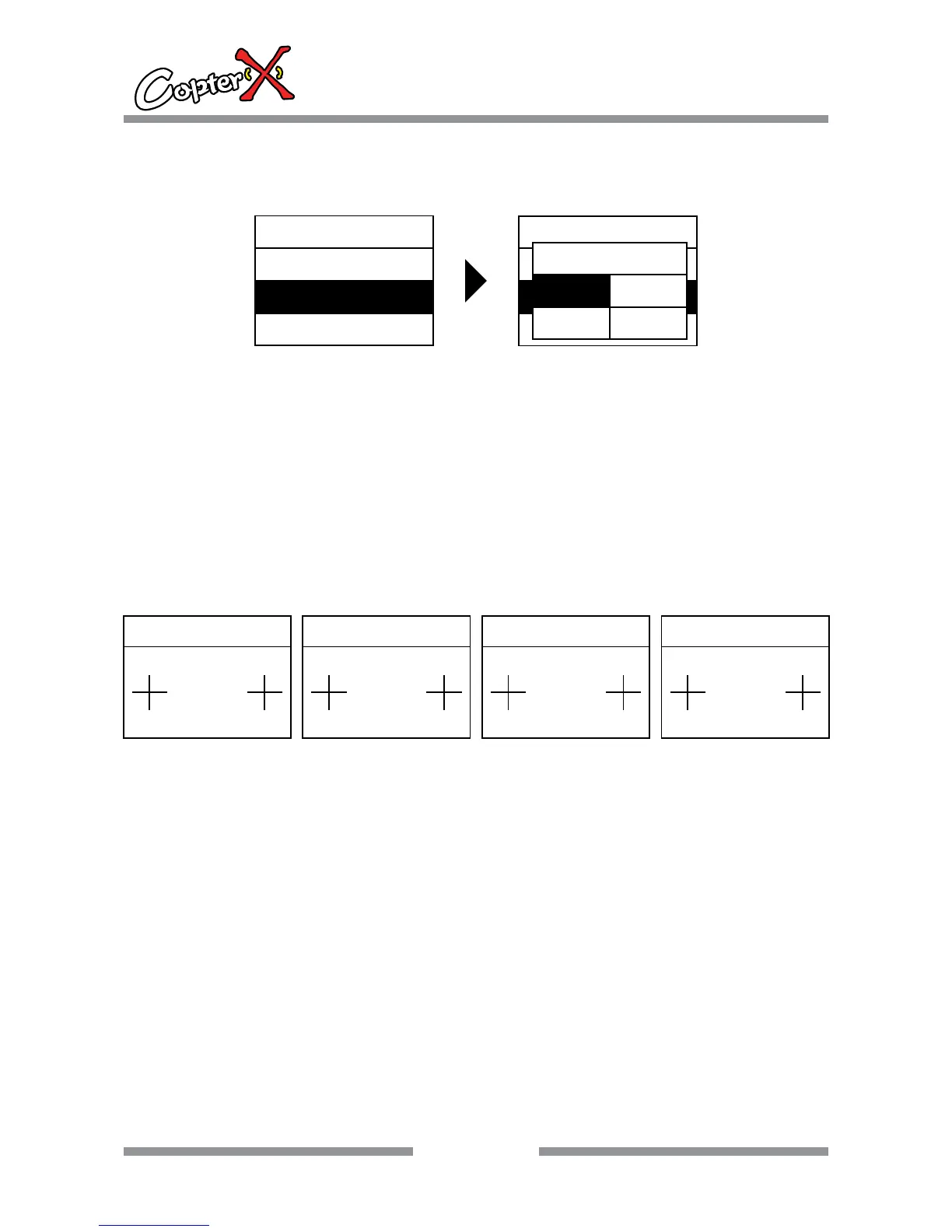
Plane type selection
Operation:
1. Press “down” to select “SYS.MENU”, and press “ENTER” to come to the interface.
2. Press “up” or “down” to select “PLANE TYPE”, and now the shadow area is the item that can be set
currently. Press “ENTER” to go to the next step.
3. Now comes out a dialing box, press “up” or “down” to select “HELIC”, “PLANE”, “V-TAIL” or “DELTA”.
And press “ENTER” to save the setting and leave the operation.
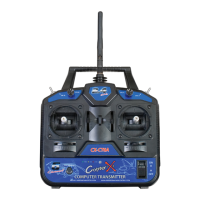
Stick mode selection
Operation:
1. Press “down” to select “SYS.MENU”, and press “ENTER” to come to the interface.
2. Press “up” or “down” to select “STICK MODE”, and now the shadow area is the item that can be set
currently. Press “ENTER” to og to the next step.
3. Press “up” or “down” to select “MODE 1” (right throttle), “MODE 2” (left throttle), “MODE 3”,
“MODE 4”. And press “ENTER” to save the selection and press “EXIT” to leave the operation.
Remark: This operation changes the distribution of 4 proportional channels. Please note: “AILE”,
“ELEV”, “THRO” and “RUDD” channels have been distributed now. When the stick model is changed,
the menu order controlled by the stick “AI” and “EL” is also changed. Please pay attention to the
difference.
ENTER
12
CX-CT6C
2.4GHz 6 Channel FHSS Technology
Digital Proportional Radio System
SYS.MENU
STICK MODE
MODEL.SET
PLANE TYPE
SYS.MENU
MODEL.SET
STICK MODE
PLANE TYPE
PLANE TYPE
PLANE
V-TAI DELTA
HELIC
STICK MODE
MODE 1
RU AI
EL TH
STICK MODE
MODE 2
RU AI
TH EL
STICK MODE
MODE 3
AI RU
EL TH
STICK MODE
MODE 4
AI RU
TH EL


 To Next Page