FMFV - Installation Manual
© 2018-19, Cornelius Inc. - 10 - Publication Number: 919000012INS
4.
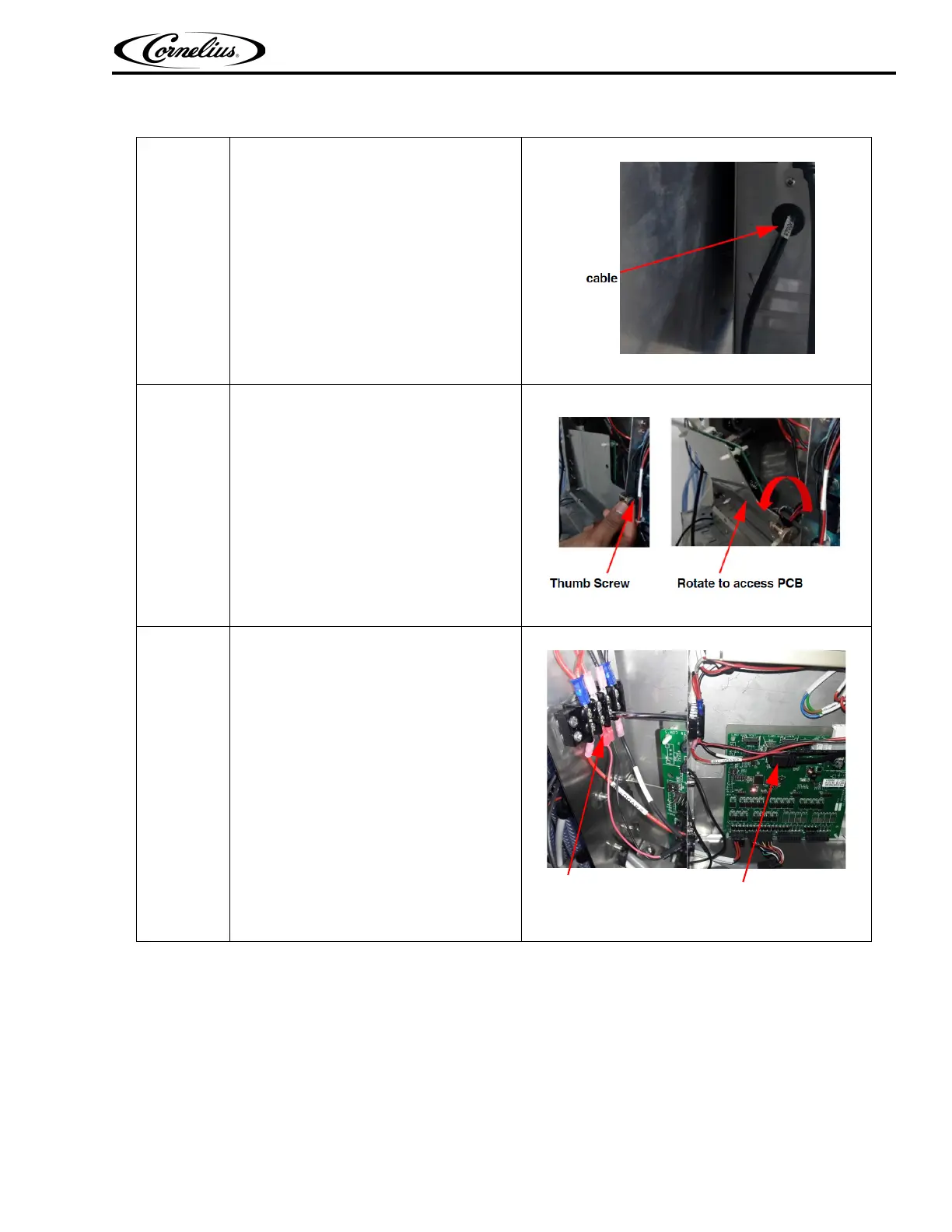
Pass Display cable through
grommet in C-Box
Figure 8.
5.
Rotate (unscrew) thumb screw to
access the PCB board by rotating
down
Figure 9.
6.
Connect Display cable terminals
a. USB terminal to PCB board
b. Fork terminals: Connect the fork
terminal to the shown location in
terminal block by unscrewing the
screws of terminal block
Figure 10.
Table 4: Installation of C-Box



 To Next Page