4-50
Section 4
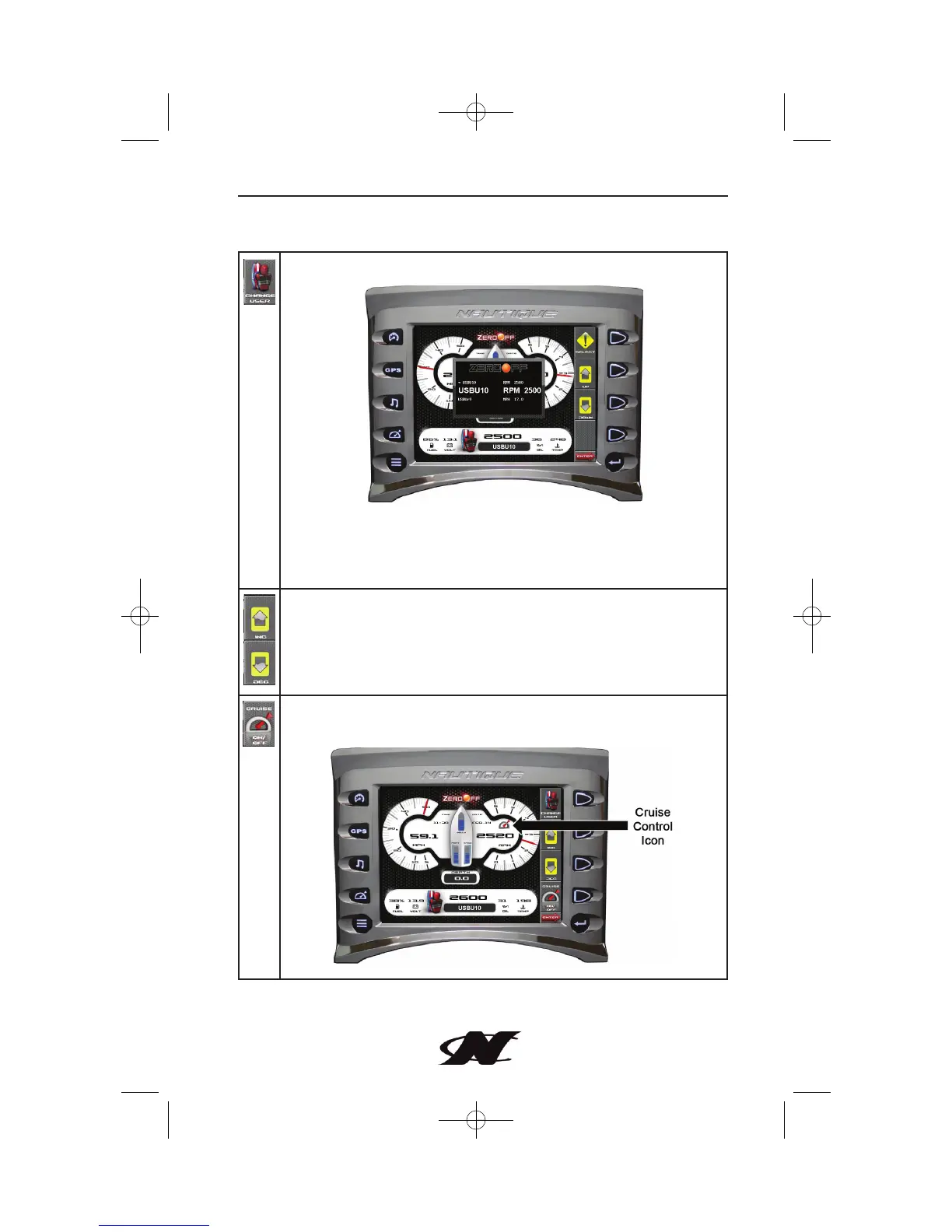
CHANGE USER – select a predefined user.
Additional Soft Key Commands for Change User include:
SELECT – selects the currently displayed user.
UP – DOWN – use Up and Down to scroll through the list of users.
INC – DEC – increase or decrease cruise speed.
CRUISE ON/OFF – toggles the cruise control on or off. When
Cruise is on, the Cruise icon is displayed on the screen.
Cruise Gauge Screen - Soft Key Commands









 To Next Page