4-63
Controls and Indicators
You can set individual settings for the available options, or choose
to select RESTORED DEFAULTS for the factory settings. The
PREV and NEXT keys allow you to move from field to field. While
the cursor is highlighting a field, the SCROLL UP and SCROLL
DOWN keys will display available options. Once all the options have
been selected, press SAVE.
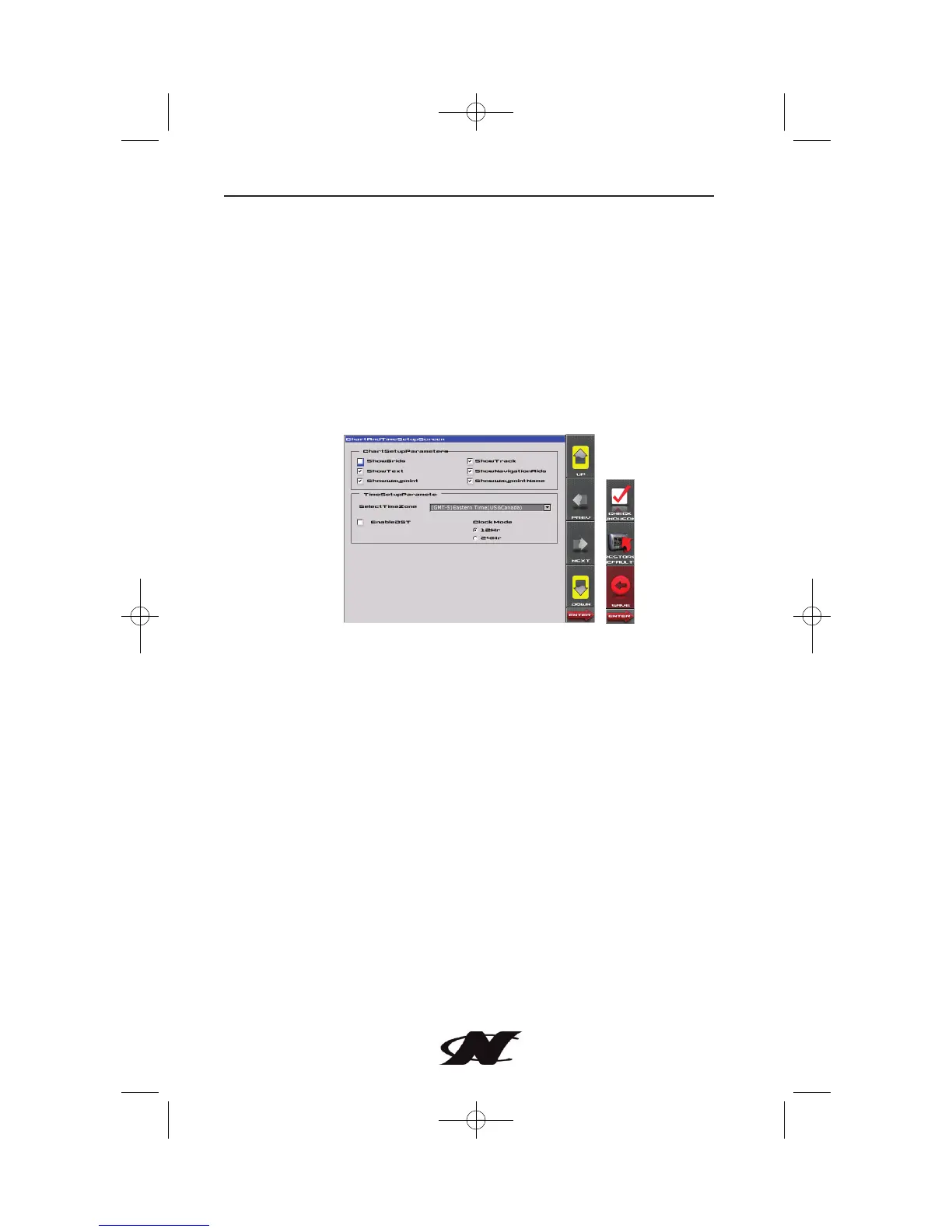
Chart and Time Setup
This menu option allows you to set up viewing options for the GPS
Display.
Chart Setup Parameters – use the CHECK/UNCHECK key to
select the information you want displayed on the GPS screen.
Time Setup Parameters – is used to select correct time zone and
clock mode for either 12-hour or 24-hour time formats. You can
also enable DST (Daylight Savings Time) by using the
Check/Uncheck key to select the box.









 To Next Page