CUSTOMER MANUAL M400 DRIVE SYSTEM
88
back to “Power View”. Briefly press for two times
(interval time is less than 0.5S) to exit back to the main
interface, or select “BACK” → “EXIT” to exit back the
main interface.
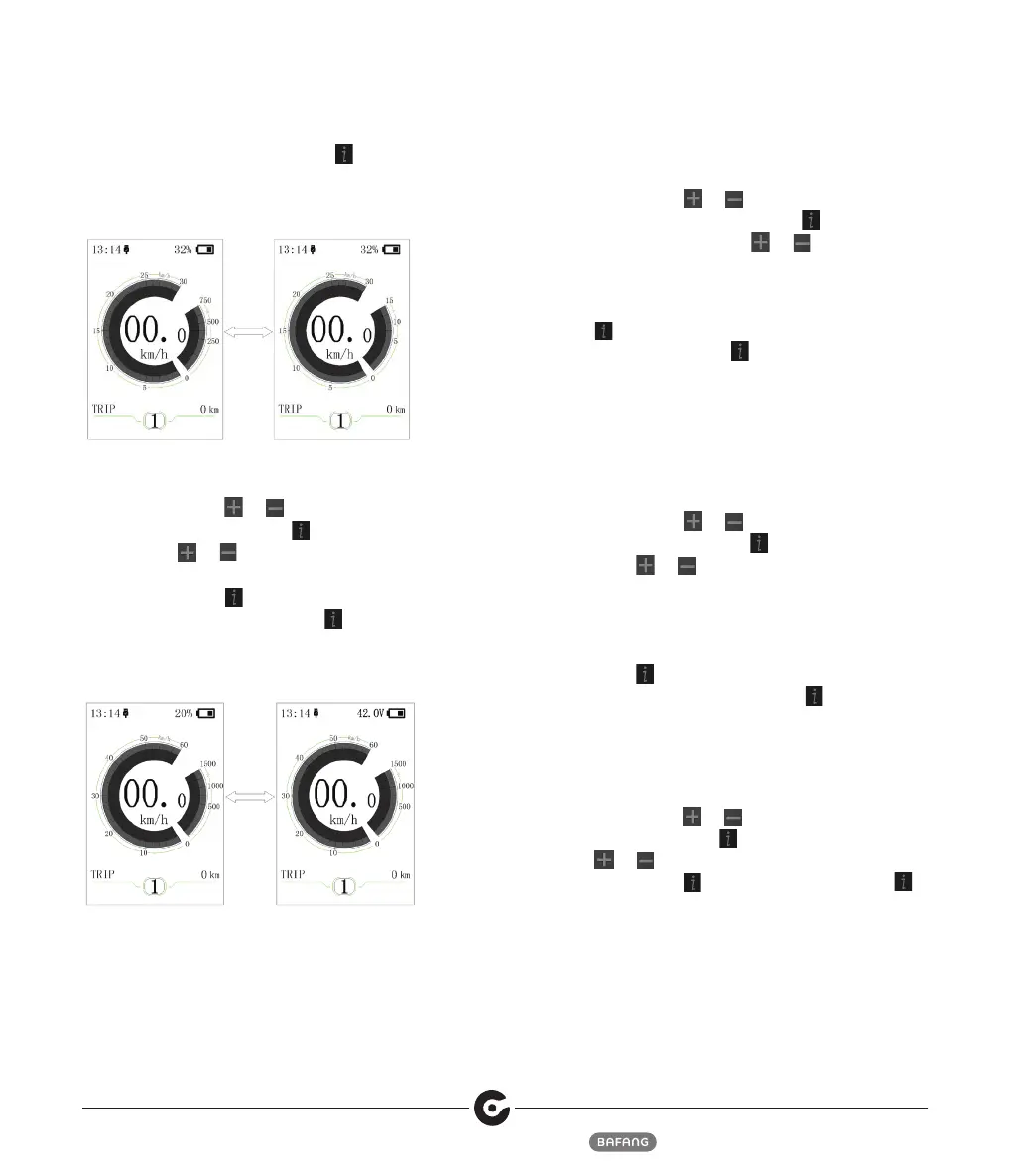
⑹ “SOC View” --- set indication mode for battery
capacity
Briefly press (<0.5S)
or to selcet “SOC View”,
and then briefly press (<0.5S) . This moment, briefly
press (<0.5S) or to switch display mode for
output as “Percent”/“Voltage”. After confirmation,
briefly press (<0.5S) to save the set and exit
back to “SOC View”. Briefly press for two times
(interval time is less than 0.5S) to exit back to the main
interface, or select “BACK” → “EXIT” to exit back to
the main menu.
⑺ “TRIP Reset” --- set reset function for single-trip
distance
Briefly press (<0.5S)
or to select “TRIP
Reset”,and then briefly press (<0.5S) . This
moment, briefly press (<0.5S) or to switch
between “NO”and“YES”. TRIP Reset includes
maximum speed (MAXS), average speed (AVG), single-
trip distance (TRIP). After confirmation, briefly press
(<0.5S) again to save the set and exit back to the
“TRIP Reset”. Briefly press for two times (interval
time is less than 0.5S) to exit the main interface, or
select “BACK” → “EXIT” to exit back to the main
interface. The data is not reset automatically when turn
off the display or turn off the power of the bicycle.
⑻ “AL Sensitivity” --- set light sensitivity
Briefly press (<0.5S)
or to select “AL Sensitivity”,
and then briefly press (<0.5S) . This moment, briefly
press (<0.5S) or to switch level of the light
sensitivity between “0”/“1”/“2”/“3”/“4”/“5”/“OFF”.
“OFF” means close the function. Level 1 is the
weakest light sensitivity and level 5 is the strongest
light sensitivity. Select the level desired and briefly
press (<0.5S) again to save the setting and exit
back to “AL Sensitivity”. Briefly press for two times
(interval time is less than 0.5S) to exit back to main
interface or select “BACK” → “EXIT” to exit back to
main interface.
⑼ “Password”--- access password setting
Briefly press (<0.5S)
or to select “Password” and
then briefly press (<0.5S) . This momen, briefly press
(<0.5S) or to select “Start PassWord” and then
briefly press (<0.5S) again. Briefly press (<0.5S)
or to switch between “OFF”/“ON”, the below is the
specific way of switching.



 To Next Page