CowTech Ciclop 3D Scanning Guide
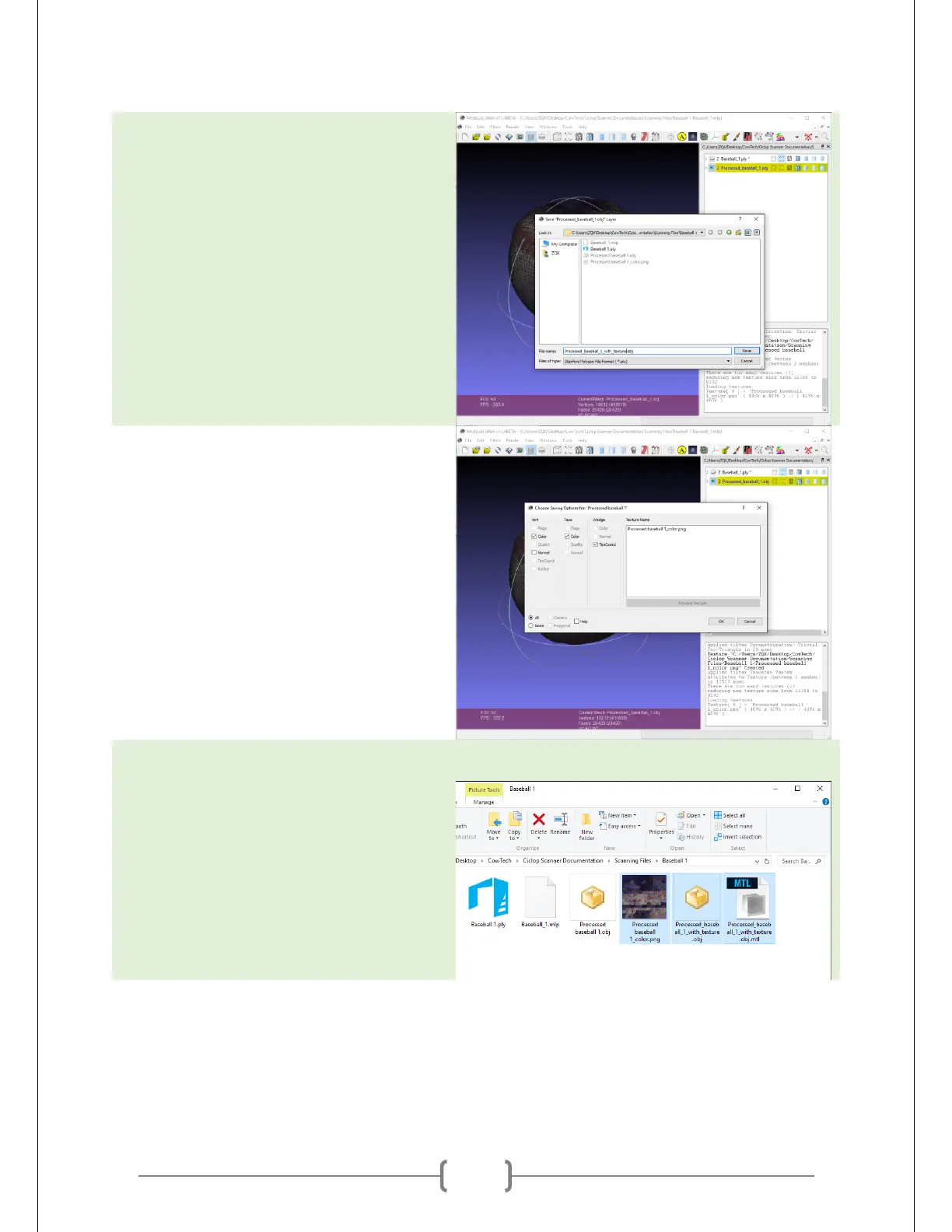
Go to File -> Export Mesh As. Save the
file as an .obj file and name it however
you please. Make sure that there are no
spaces in the name! MeshLab does not
like spaces in file names.
Make sure that the “Vert – Normal” box
is unchecked and “Wedge – TexCoord” is
checked. The picture at right has a
problem – there are spaces in the name!
Make sure you don’t make that mistake.
Go back to the directory where you have
saved all your files. You now have three
files of three different types: .obj, .mtl,
and .png. They should all be in the same
directory like they are at right. If they
are not, move them so that they are.



 To Next Page