Gryphon™ Coin Changer User Guide
© 2021 Crane Payment Innovations.
All rights reserved.
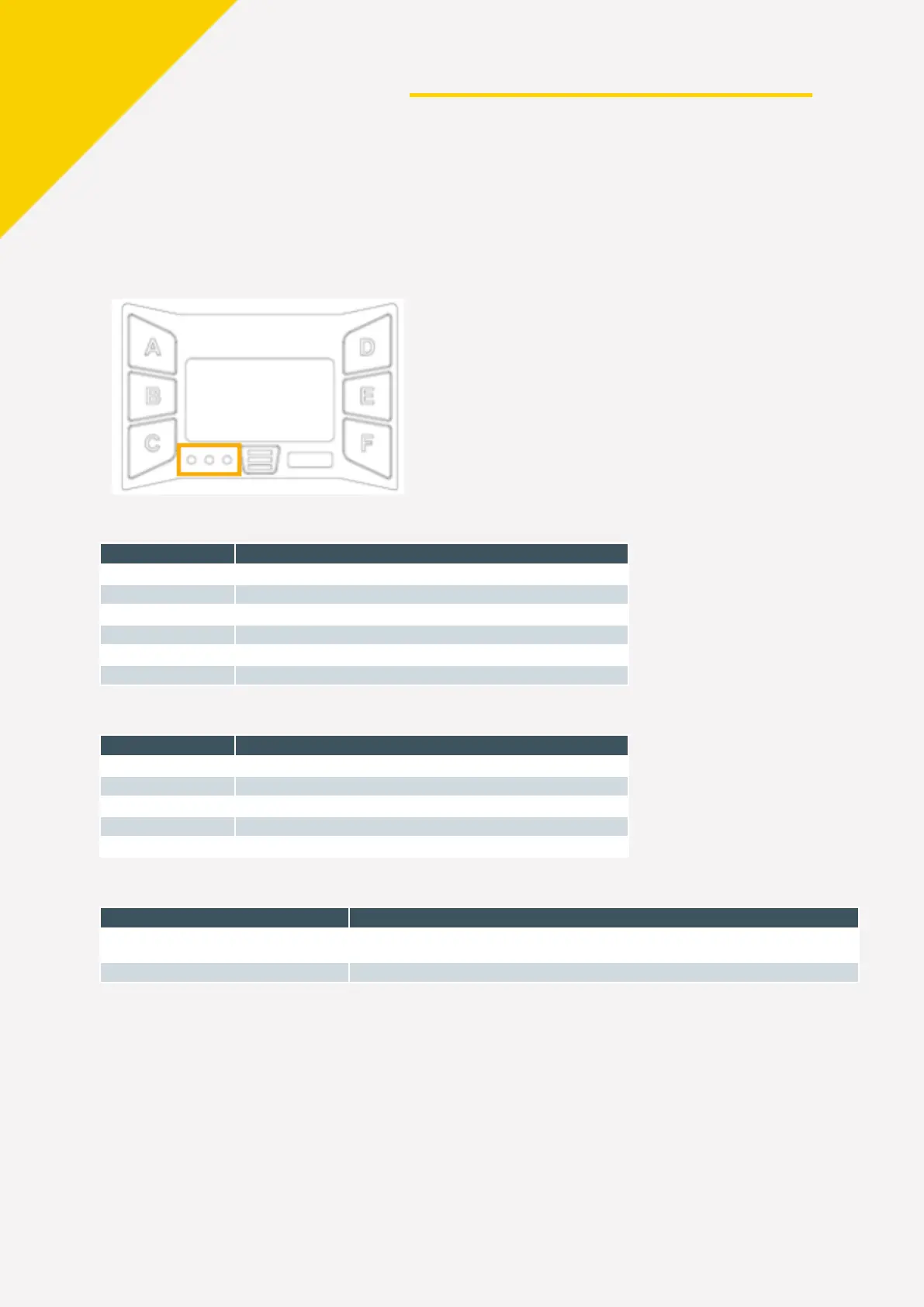
LED CODES
The 3 LEDs to the left of the
MENU KEY (≡) display at-a-glance diagnostics. The following
chart will help you understand what the LEDs are signaling.
G
reen LED Codes
Code Meaning
Coin changer is on and working properly
1 flash
Coin accepted
Valid coin rejected, inhibited by machine
Coin changer is in Setup or Service menu
USB port in use; audit or firmware is processing
A
mber LED Codes
Code Meaning
Coin changer is inhibited by the VMC
Cassette error
R
ed LED Codes
Code Meaning
Red, green, and amber cycle 5 times
Boot-up sequence. Wait to interact with the coin changer until the cycle completes, and
the green light is steady.
Alternating red and green
Coin changer is not functioning properly. Remove and return to a service center.


 To Next Page