Gryphon™ Coin Changer User Guide
© 2021 Crane Payment Innovations.
All rights reserved.
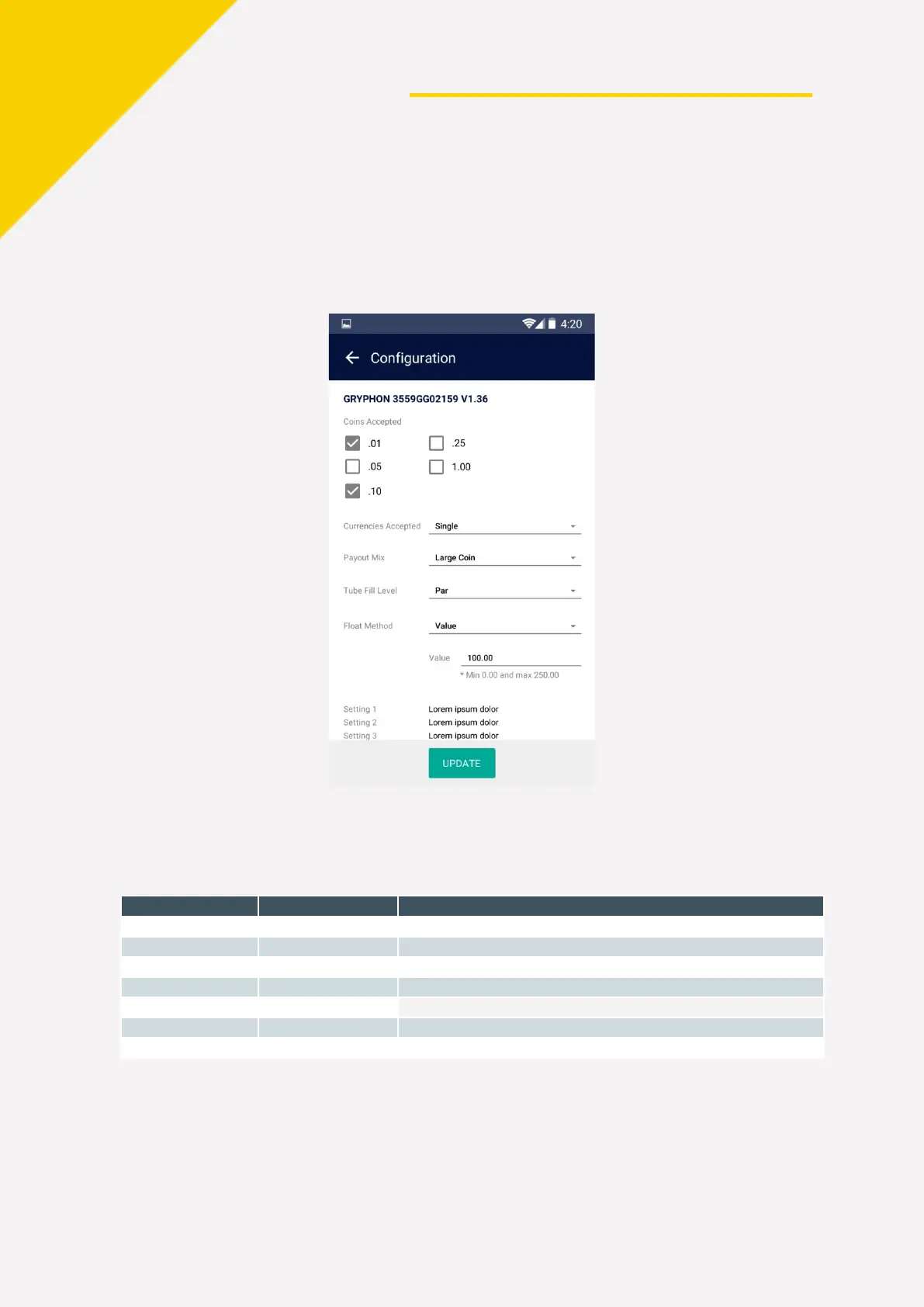
Configuring Gryphon™ Coin Changer with the Simplifi™ Mobile App
You can make basic configuration changes to the Gryphon coin changer when using the
Simplifi mobile app. Connect to the Gryphon coin changer that you would like to configure,
select your preferences, and then tap UPDATE to save your changes.
C
PI Synq™ Device Error Codes
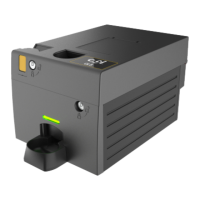
The status LED on the side of the CPI Synq device provides at-a-glance information about
CPI Synq device health.
Color Sequence Meaning
CPI Synq device is working properly
Active connection to Simplifi mobile app
Updating firmware/configuration
CPI Synq device is not assigned


 To Next Page