Gryphon™ Coin Changer User Guide
© 2021 Crane Payment Innovations.
All rights reserved.
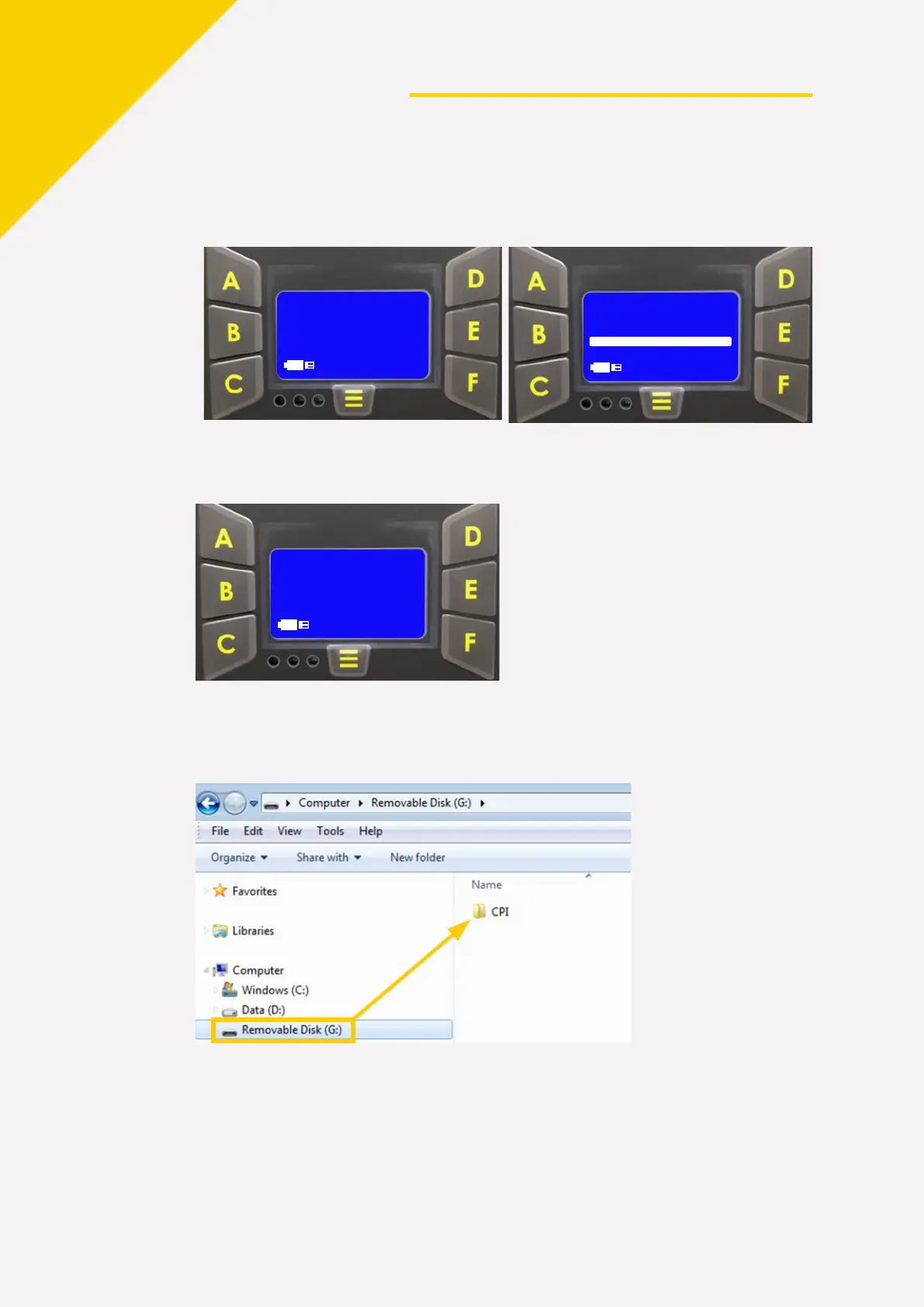
4. The audit download process begins when the coin changer’s power is ON.
5. Remove the OTG adapter connection when the screen below is displayed.
Continue the audit retrieval process at the office:
1. Insert the thumb drive into a PC. Navigate to the CPI folder on the thumb drive.
2. C
ompress the folder. Right click on the file folder and select Send to
>
C
ompressed (zipped) folder.
3. Send the compressed folder to your CPI technical support staff.


 To Next Page