46
Chapter 5 User Interface
5.1 Description of LCD panel
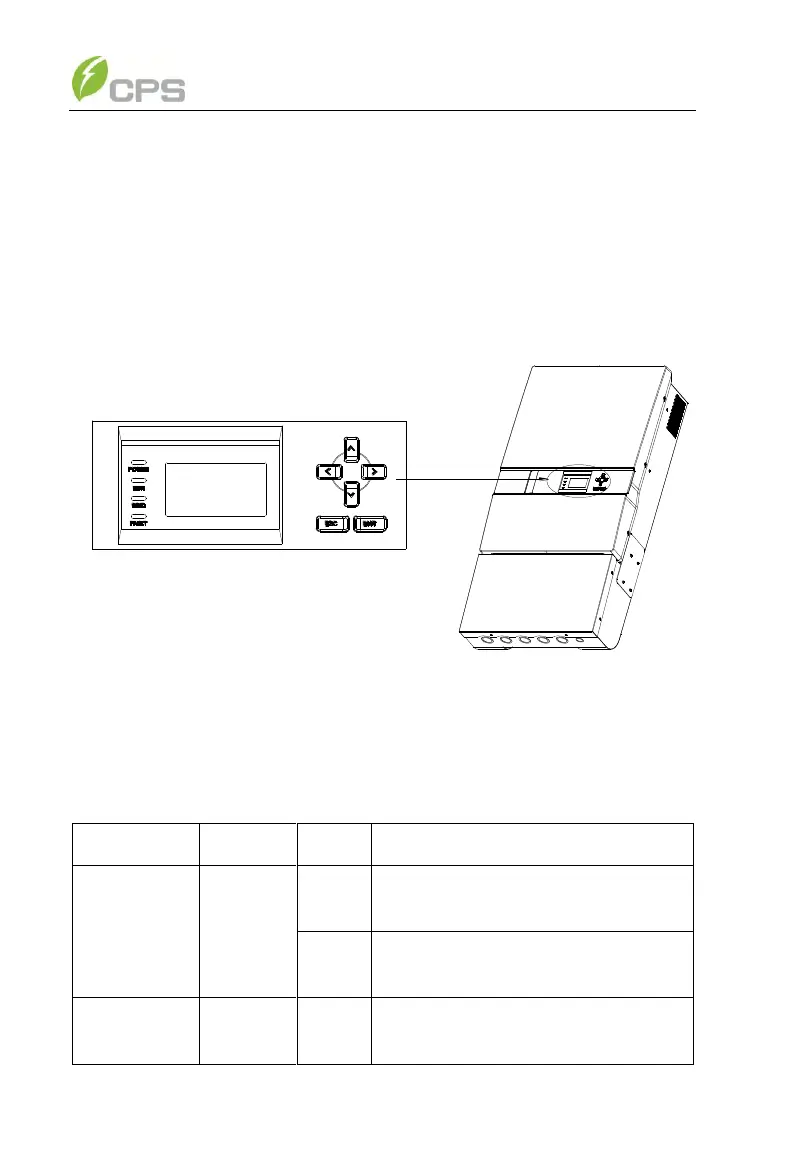
The CPS SC20KTL-DO/US-480 & SC14KTL-DO LCD panel mainly
consists of LCD screen, LED indicator lights, buzzer and 6 keys, as shown in
Figure 5-1.
Figure 5-1 LCD panel
Interpretation for the indicator lights is shown in Table 5-1 and function of
the keys is shown in Table 5-2.
Table 5-1 LED Indication
Energized (control panel starts to
work)
In grid-tied power generation state



 To Next Page